Click to zoom
1 / 4
Ongoing
vv0.4.0
Byte - Desktop Pet
Game Information
Developer
Cindesh And FenVersion
vv0.4.0
Engine
Others
Release Date
Jun 6, 2026
Last Update
Jun 7, 2026
Censorship
Uncensored
Overview
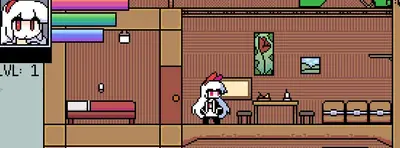
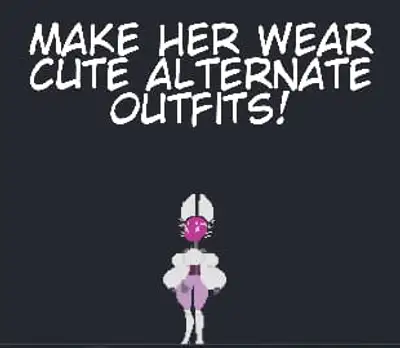
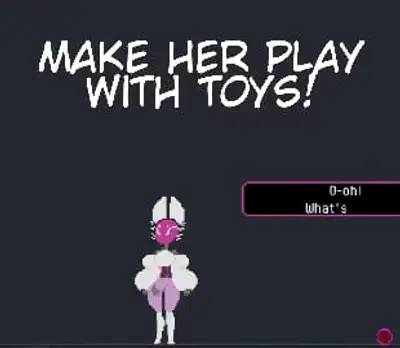
Byte - Desktop Pet brings you an animated, sci-fi experience like no other! Manage your furry female protagonist, Byte, in this NSFW desktop pet simulation.
Gameplay & Mechanics
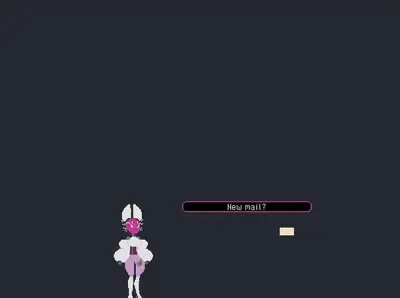
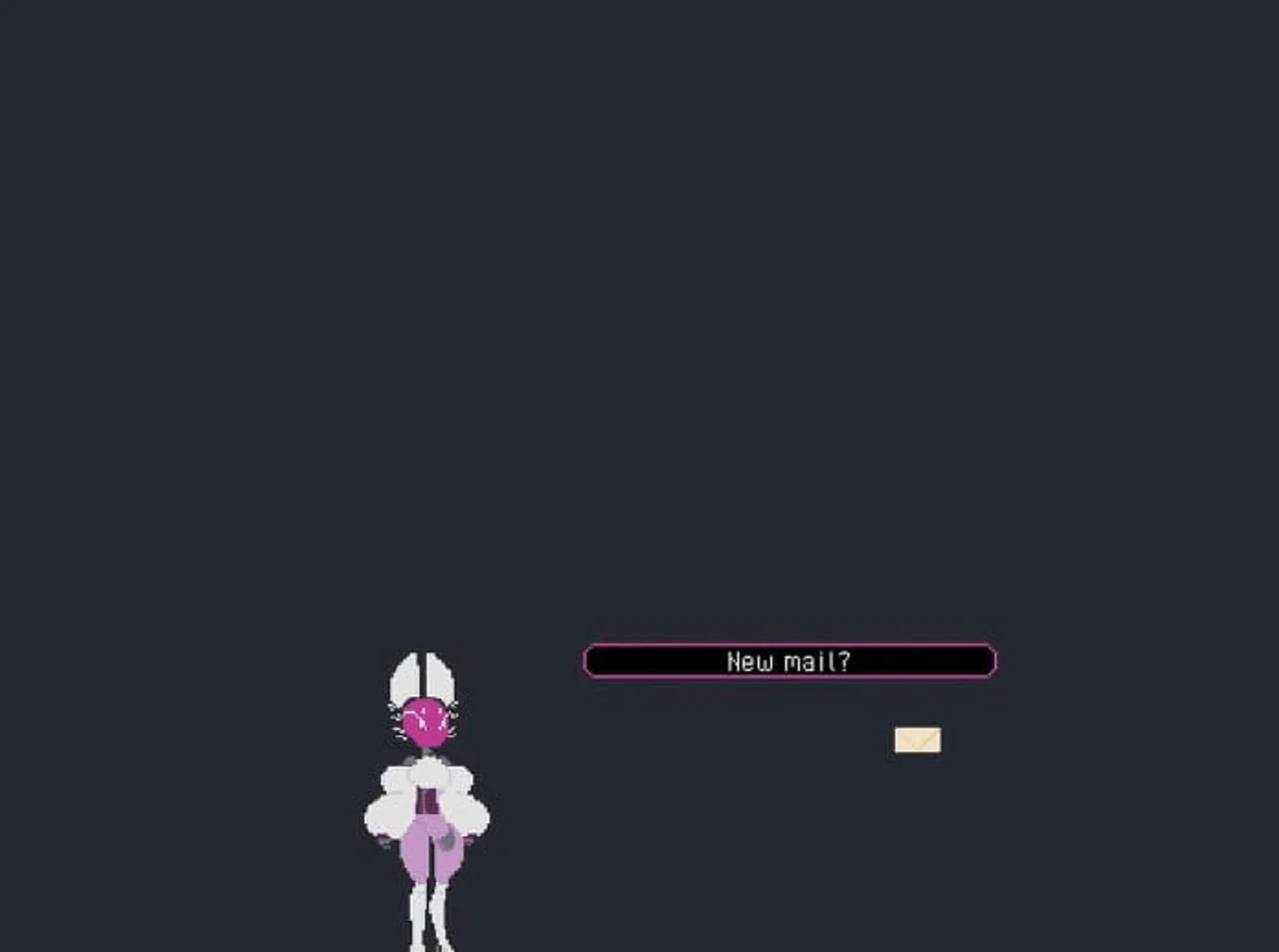
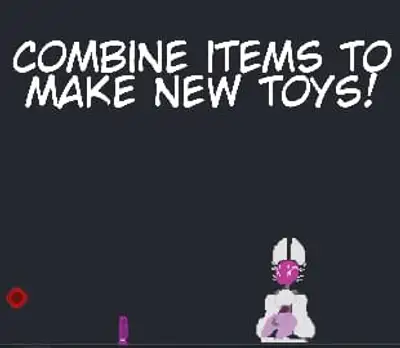
In Byte - Desktop Pet, you'll interact with Byte through various tasks and mini-games, such as feeding her treats or delivering emails. Your actions will influence her mood and behavior, leading to different outcomes and animations inspired by sci-fi and furry themes.
Key Features
- Interactive Animations: Bring Byte to life with your interactions, triggering a variety of animated responses.
- Mood-based Behavior: Your actions affect Byte's mood, influencing her behavior and the outcomes you'll experience.
- Sci-Fi & Furry Fusion: Immerse yourself in a unique blend of sci-fi technology and furry aesthetics.
Download and play Byte - Desktop Pet now on Gaxload.
Installation
1. Simply extract the contents of the ZIP file and run the Byte application!
Changelog
### 0.4.0
- v0.4.0
- Corruption Gameplay~!
- Byte is now able to be corrupted items and actions in game
- Byte has new dialogue when corrupted and may intensify as her corruption rises
- Bit and Others have different dialogue when Byte is Corrupted
- When Byte’s Corruption hits the maximum level, something may happen >:3
- Modding
- We now have official support for modding! As always, mods can be dangerous (depending on the source) so you must confirm the usage before activating them in game within the Settings Menu.
- If you wish to make mods, the SDK is uploaded here on Itch. If you have any questions that are not covered in the Documentation, please leave a comment in the Modding Itch Thread.
- Modding can create at the moment
- New Items
- New Characters
- New Pop-ups
- New Text Adventures
- New Galleries
- New Sex Animations
- New Dialogue/Convo’s
- Modding at the moment doesn’t allow you to edit pre-existing characters. Sorry! We will attempt to work on that for the next Modding Tools pass.
- Dialogue Reactivity
- Byte now will react to more things!
- When she is locked to a Monitor
- When she is unlocked from a Monitor
- When a Companion is dismissed
- When a Conversation is interrupted
- Companions have limited Reactions but can speak in response to certain actions now!
- Dialogue will now change when Byte has something happening to her. Perhaps some corruption or if she has cum on her?
- Conversations
- Byte and Other NPCs now have Conversations with themselves and each other. These longer form discussions allow you to get to know the characters a bit better!
- Conversations are randomly rolled based off a timer and can be disabled in the Settings
- Conversations can be interrupted by clicking on the given Speaker
- Ask Byte
- A new terminal command allows you to enter “Ask Byte” mode!
- Giving her a valid subject will prompt her to answer you in dialogue from where she is on the desktop
- You can ask Bit some stuff too, if you want :3
- Animations
- Can be canceled with Middle Mouse Click or ALT Key
- Recipe Book
- You can now view items and item combinations that you’ve unlocked in the new recipe book menu!
- Undiscovered items will be blocked out until you spawn them.
- A character’s icon will appear on the item’s recipe if they interact with it in some way!
- Items
- Certain Key items can be given to NPCs for them to either have an animation themself or even give something to Byte
- Items can now hold more than one Sex Scene on them :3
- Gallery
- All Items are now in the Gallery
- All Sex Scenes are now in the Gallery
- All Brain Dance Scenes are now in the Gallery
- All items in the gallery are unlocked via seeing them for the first time
- Fan Art section of the Gallery Added! Art made of Byte and co. may end up here in future updates! (We may remove this Gallery if it becomes problematic for both the game’s size or outside factors.)
- Byte
- Hold Left Click to continue Petting Byte! Forever! Or until you release your left click.
- Settings - Keybindings!
- You may now change your keybindings
- You may reset your keybindings to the default if needed
- Settings - Sprites, Items, UI scaling
- Added more scaling options (75% and 125%)
- New Tool - Magnify!
- A toggled menu that appears and allows you to zoom in on the action
- Scroll Wheel to increase and decrease the zoom
- (Artist disclaimer: godot’s scaling creates mixels where there is none in the actual spritesheets, please disregard them as a quirk of Anti-Aliasing!)
- New Character - Qubit!
- The better Bit, spawned via some special flowers
- New items, overrides, Popups
- A familiar jigsaw piece!
- A cute camera for taking pictures!
- A spooky faceplate from a cameo character…
- A fitting reward for completing the Knot_City text adventure!
- A few new Popups~
- Pause Menu - Guide
- Updated to reflect the new controls and dynamically changes depending on bound controls
- Terminal Menu - Cindesh Command
- There is now a Confirmation Menu before you can enable Cindesh Mode. This lays out *exactly* what Cindesh Mode is before you enable it.
- Fed the Malwarewolves
### 0.3.4 Patch Notes
- v0.3.4 Patch Notes
- Tags
- Tags will no longer be permanently locked when they expire. Whoops Corruption tags were breaking things
- Pause Menu
- Updates the Version Number automatically now
- Gallery
- Fixed an issue with a piece of Spam not being properly loaded
- Companions
- You can no longer interact with companions when one is currently being interacted with for stability
- Brain Dance
- Correctly named and typed an NPC.
### 0.3.3 Patch Notes
- v0.3.3 Patch Notes
- Items no longer break after Destroying an Actor while they are talking. (Dammit Bit)
- Rare chance of Bit and Companions breaking Override Logic while being Despawned.
### 0.3.1 Patch Notes
- v0.3.1 Patch Notes
- Fixed Companions speaking globally on Left Click
### 0.3.0 Patch Notes
- v0.3.0 Patch Notes
- EULA
- A first time start up menu has been added to prompt the user to agree to the EULA and confirm they are +18
- First time Message presents to the player how to get to the Pause Menu
- EULA File added to the files
- Byte
- She welcomes first time users!
- She now welcomes you back~
- She now knows your name~ (Command in Terminal to change)
- Byte will now address you in certain dialogues!
- Byte no longer appear under the Taskbar under rare situations
- Byte has now been improved in the background to be a bit smarter in certain situations like Passive Play.
- Bit
- Fleshed him out a little more both in desktop pet dialogue and the Knot City brain dance!
- He won’t appear in the brain dance unless you are in “Cindesh Mode”!
- Pause Menu
- Now accessible through the F1 key in addition to Escape
- Fully Reworked to add new buttons and lower confusion of how buttons are laid out
- Guide Menu now presentable in the Pause Menu to teach controls and how to play the game
- Close Game now has a Confirmation Button and has been removed from the X in the top right
- Settings Menu
- Fully Reworked
- Scale Menu - You may now Set the Scale for Characters, Items, and UI! Separately as well!
- Gameplay Menu - You toggle gameplay related features here
- Audio Menu - Very barebones, but for use in later updates
- Auto-Remove Popups - Located in the Gameplay Menu, you now may disable Popups! And they still drop all their items~
- Companions
- You can now pet your Companions with Left Click!
- Dismissing Companions is now on Right Click (Enemies can still be purged with both Left and Right Click)
- You may now drop certain items onto Companions and they will have reactions, perhaps Info Coins might reveal something?
- Companion Collision boxes are slightly smaller to avoid overlap
- Certain Aggro Companions are no longer as aggressive as to let Byte Breath. She was choking!
- Terminal
- Now accessible through the F2 key in addition to `
- Config Command now correctly displays the User’s Config Location
- New Set Username Command to let Byte know who you are!
- Enter Brain Dance Command now supports multiple Brain Dances. There is still only one for now but we have plans to add more~
- When using the /ls command to list Items, Actors, and Popups; You may now click on Blue Text to quickly spawn the items
- When messing up the password enough, you gain a title suited towards your name.
- Brain Dances
- Knot City, the first brain dance that shows the user the Root Access password now has a name!
- Brain Dances now have presentable clickable buttons to quickly navigate through the scenes, examine actors and items
- Knot City now has additional items, secrets and ART~
- New Commands added:
- Use - Can use items
- Keys - Can see your listed Keys. Currently unused and will be used for future brain dances!
- Pop Ups
- One new Pop-up advertising the Brain Dance Knot City
- Screen Lock
- Now accessible through the F3 key in addition to TAB
- Kinks
- There are some additional dialogues in select scenes based on whether or not you’re in “Cindesh Mode”!
- Fed the Malwarewolves
### 0.2.0 Patch Notes
- v0.2.0 Patch Notes
- Items
- Spawn Timer have been Decreased, leading to items to spawn more often
- Pop Ups now spawn items more consistently and have a wider net of spawned items (We are also looking at making an option for passive play to run without Pop Ups)
- Companions
- Limit has been Raise to 3
- If the Companion limit has been reached, Byte will comment on it
- A confirmation Window has been added so you don't accidentally remove your companions
- (NEW) Adventures
- - These Text-Based Adventures give you a deeper insight to a little bit of lore to Byte and her simulated world. The first release of this is a proof of concept on top of now holding the first official flow in getting
- Root Access
- . Please tell us how you feel about this feature!
- (NEW) Linux Builds
- - I will be transparent, these are NOT STABLE and requires testing. I have decided to push these forward in the hopes that we can get more eyes on them. I will be starting a "Linux Support" Blog so folks who have errors can discuss and can assist in development of a more stable Linux Build.
### 0.1.0 Release
- v0.1.0 Release
- v0.4.0
- Corruption Gameplay~!
- Byte is now able to be corrupted items and actions in game
- Byte has new dialogue when corrupted and may intensify as her corruption rises
- Bit and Others have different dialogue when Byte is Corrupted
- When Byte’s Corruption hits the maximum level, something may happen >:3
- Modding
- We now have official support for modding! As always, mods can be dangerous (depending on the source) so you must confirm the usage before activating them in game within the Settings Menu.
- If you wish to make mods, the SDK is uploaded here on Itch. If you have any questions that are not covered in the Documentation, please leave a comment in the Modding Itch Thread.
- Modding can create at the moment
- New Items
- New Characters
- New Pop-ups
- New Text Adventures
- New Galleries
- New Sex Animations
- New Dialogue/Convo’s
- Modding at the moment doesn’t allow you to edit pre-existing characters. Sorry! We will attempt to work on that for the next Modding Tools pass.
- Dialogue Reactivity
- Byte now will react to more things!
- When she is locked to a Monitor
- When she is unlocked from a Monitor
- When a Companion is dismissed
- When a Conversation is interrupted
- Companions have limited Reactions but can speak in response to certain actions now!
- Dialogue will now change when Byte has something happening to her. Perhaps some corruption or if she has cum on her?
- Conversations
- Byte and Other NPCs now have Conversations with themselves and each other. These longer form discussions allow you to get to know the characters a bit better!
- Conversations are randomly rolled based off a timer and can be disabled in the Settings
- Conversations can be interrupted by clicking on the given Speaker
- Ask Byte
- A new terminal command allows you to enter “Ask Byte” mode!
- Giving her a valid subject will prompt her to answer you in dialogue from where she is on the desktop
- You can ask Bit some stuff too, if you want :3
- Animations
- Can be canceled with Middle Mouse Click or ALT Key
- Recipe Book
- You can now view items and item combinations that you’ve unlocked in the new recipe book menu!
- Undiscovered items will be blocked out until you spawn them.
- A character’s icon will appear on the item’s recipe if they interact with it in some way!
- Items
- Certain Key items can be given to NPCs for them to either have an animation themself or even give something to Byte
- Items can now hold more than one Sex Scene on them :3
- Gallery
- All Items are now in the Gallery
- All Sex Scenes are now in the Gallery
- All Brain Dance Scenes are now in the Gallery
- All items in the gallery are unlocked via seeing them for the first time
- Fan Art section of the Gallery Added! Art made of Byte and co. may end up here in future updates! (We may remove this Gallery if it becomes problematic for both the game’s size or outside factors.)
- Byte
- Hold Left Click to continue Petting Byte! Forever! Or until you release your left click.
- Settings - Keybindings!
- You may now change your keybindings
- You may reset your keybindings to the default if needed
- Settings - Sprites, Items, UI scaling
- Added more scaling options (75% and 125%)
- New Tool - Magnify!
- A toggled menu that appears and allows you to zoom in on the action
- Scroll Wheel to increase and decrease the zoom
- (Artist disclaimer: godot’s scaling creates mixels where there is none in the actual spritesheets, please disregard them as a quirk of Anti-Aliasing!)
- New Character - Qubit!
- The better Bit, spawned via some special flowers
- New items, overrides, Popups
- A familiar jigsaw piece!
- A cute camera for taking pictures!
- A spooky faceplate from a cameo character…
- A fitting reward for completing the Knot_City text adventure!
- A few new Popups~
- Pause Menu - Guide
- Updated to reflect the new controls and dynamically changes depending on bound controls
- Terminal Menu - Cindesh Command
- There is now a Confirmation Menu before you can enable Cindesh Mode. This lays out *exactly* what Cindesh Mode is before you enable it.
- Fed the Malwarewolves
### 0.3.4 Patch Notes
- v0.3.4 Patch Notes
- Tags
- Tags will no longer be permanently locked when they expire. Whoops Corruption tags were breaking things
- Pause Menu
- Updates the Version Number automatically now
- Gallery
- Fixed an issue with a piece of Spam not being properly loaded
- Companions
- You can no longer interact with companions when one is currently being interacted with for stability
- Brain Dance
- Correctly named and typed an NPC.
### 0.3.3 Patch Notes
- v0.3.3 Patch Notes
- Items no longer break after Destroying an Actor while they are talking. (Dammit Bit)
- Rare chance of Bit and Companions breaking Override Logic while being Despawned.
### 0.3.1 Patch Notes
- v0.3.1 Patch Notes
- Fixed Companions speaking globally on Left Click
### 0.3.0 Patch Notes
- v0.3.0 Patch Notes
- EULA
- A first time start up menu has been added to prompt the user to agree to the EULA and confirm they are +18
- First time Message presents to the player how to get to the Pause Menu
- EULA File added to the files
- Byte
- She welcomes first time users!
- She now welcomes you back~
- She now knows your name~ (Command in Terminal to change)
- Byte will now address you in certain dialogues!
- Byte no longer appear under the Taskbar under rare situations
- Byte has now been improved in the background to be a bit smarter in certain situations like Passive Play.
- Bit
- Fleshed him out a little more both in desktop pet dialogue and the Knot City brain dance!
- He won’t appear in the brain dance unless you are in “Cindesh Mode”!
- Pause Menu
- Now accessible through the F1 key in addition to Escape
- Fully Reworked to add new buttons and lower confusion of how buttons are laid out
- Guide Menu now presentable in the Pause Menu to teach controls and how to play the game
- Close Game now has a Confirmation Button and has been removed from the X in the top right
- Settings Menu
- Fully Reworked
- Scale Menu - You may now Set the Scale for Characters, Items, and UI! Separately as well!
- Gameplay Menu - You toggle gameplay related features here
- Audio Menu - Very barebones, but for use in later updates
- Auto-Remove Popups - Located in the Gameplay Menu, you now may disable Popups! And they still drop all their items~
- Companions
- You can now pet your Companions with Left Click!
- Dismissing Companions is now on Right Click (Enemies can still be purged with both Left and Right Click)
- You may now drop certain items onto Companions and they will have reactions, perhaps Info Coins might reveal something?
- Companion Collision boxes are slightly smaller to avoid overlap
- Certain Aggro Companions are no longer as aggressive as to let Byte Breath. She was choking!
- Terminal
- Now accessible through the F2 key in addition to `
- Config Command now correctly displays the User’s Config Location
- New Set Username Command to let Byte know who you are!
- Enter Brain Dance Command now supports multiple Brain Dances. There is still only one for now but we have plans to add more~
- When using the /ls command to list Items, Actors, and Popups; You may now click on Blue Text to quickly spawn the items
- When messing up the password enough, you gain a title suited towards your name.
- Brain Dances
- Knot City, the first brain dance that shows the user the Root Access password now has a name!
- Brain Dances now have presentable clickable buttons to quickly navigate through the scenes, examine actors and items
- Knot City now has additional items, secrets and ART~
- New Commands added:
- Use - Can use items
- Keys - Can see your listed Keys. Currently unused and will be used for future brain dances!
- Pop Ups
- One new Pop-up advertising the Brain Dance Knot City
- Screen Lock
- Now accessible through the F3 key in addition to TAB
- Kinks
- There are some additional dialogues in select scenes based on whether or not you’re in “Cindesh Mode”!
- Fed the Malwarewolves
### 0.2.0 Patch Notes
- v0.2.0 Patch Notes
- Items
- Spawn Timer have been Decreased, leading to items to spawn more often
- Pop Ups now spawn items more consistently and have a wider net of spawned items (We are also looking at making an option for passive play to run without Pop Ups)
- Companions
- Limit has been Raise to 3
- If the Companion limit has been reached, Byte will comment on it
- A confirmation Window has been added so you don't accidentally remove your companions
- (NEW) Adventures
- - These Text-Based Adventures give you a deeper insight to a little bit of lore to Byte and her simulated world. The first release of this is a proof of concept on top of now holding the first official flow in getting
- Root Access
- . Please tell us how you feel about this feature!
- (NEW) Linux Builds
- - I will be transparent, these are NOT STABLE and requires testing. I have decided to push these forward in the hopes that we can get more eyes on them. I will be starting a "Linux Support" Blog so folks who have errors can discuss and can assist in development of a more stable Linux Build.
### 0.1.0 Release
- v0.1.0 Release