
Evil 2
Game Information
Version
v0.76
Engine
QSP
Release Date
Sep 15, 2025
Last Update
Jan 21, 2026
Censorship
Uncensored
Overview
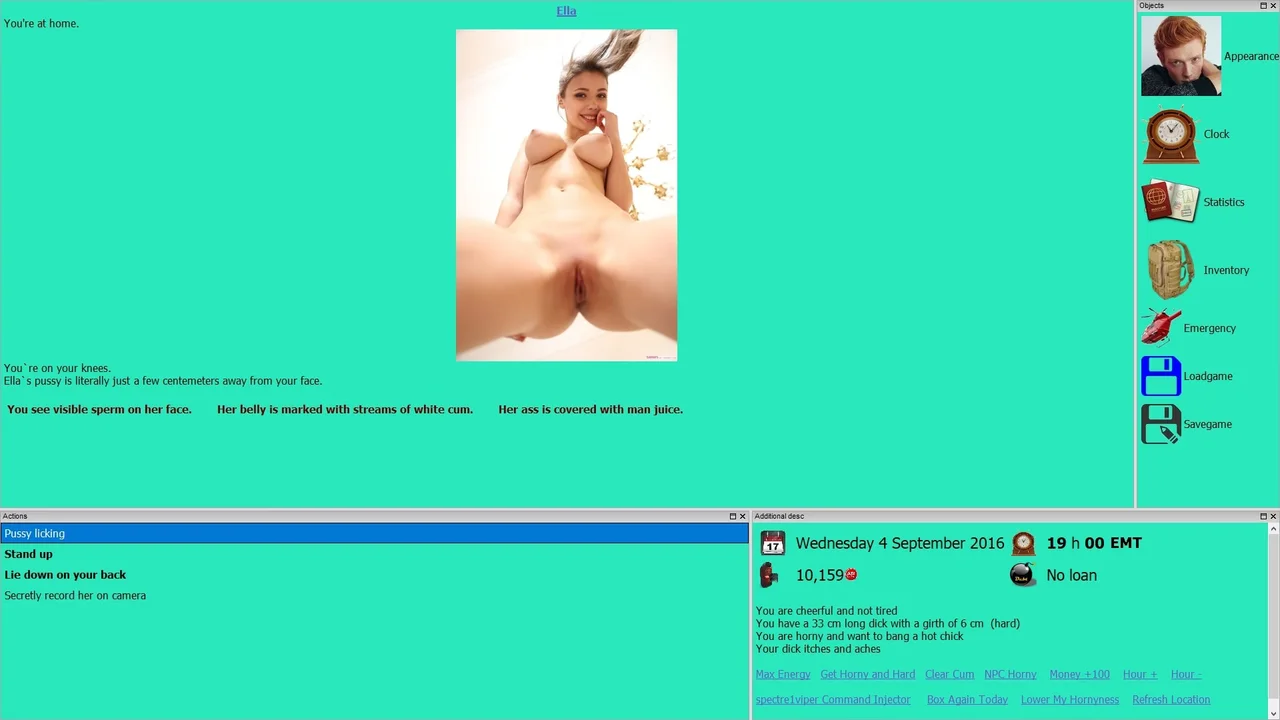
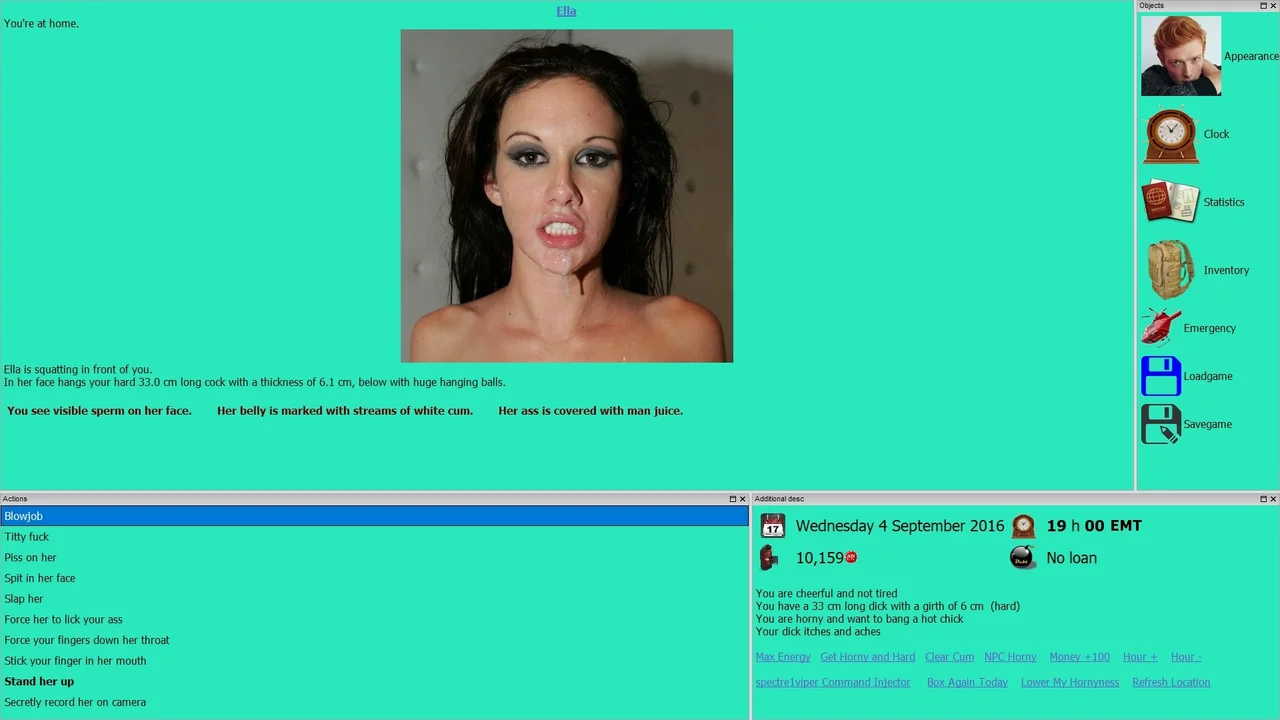
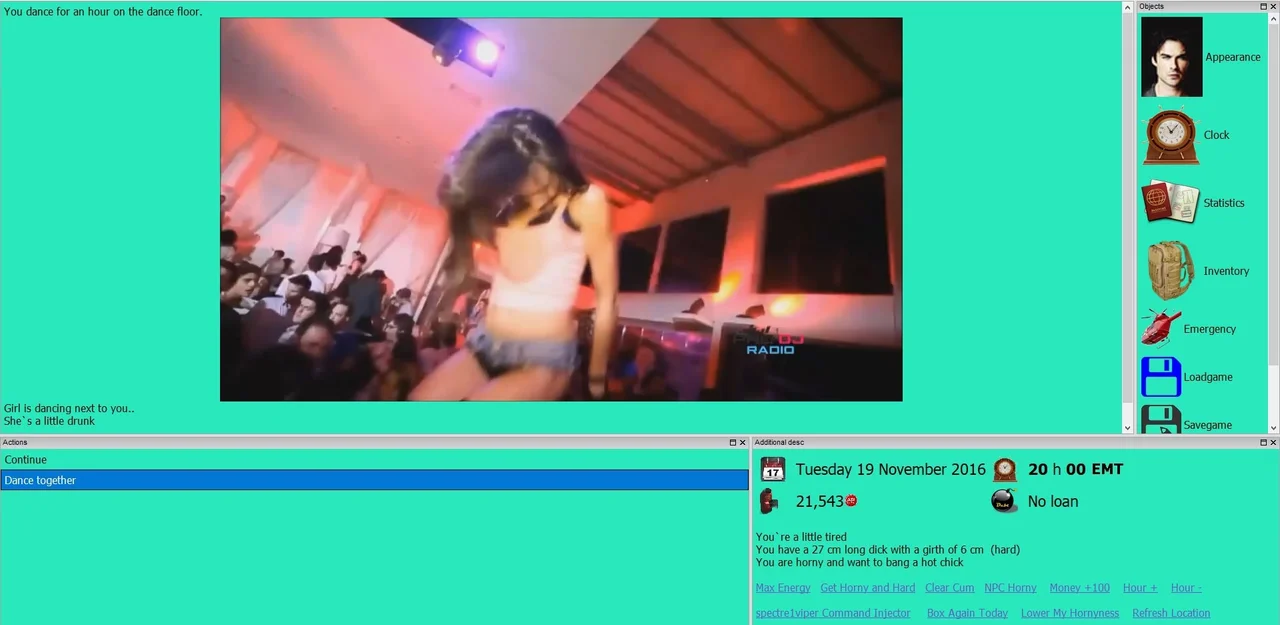
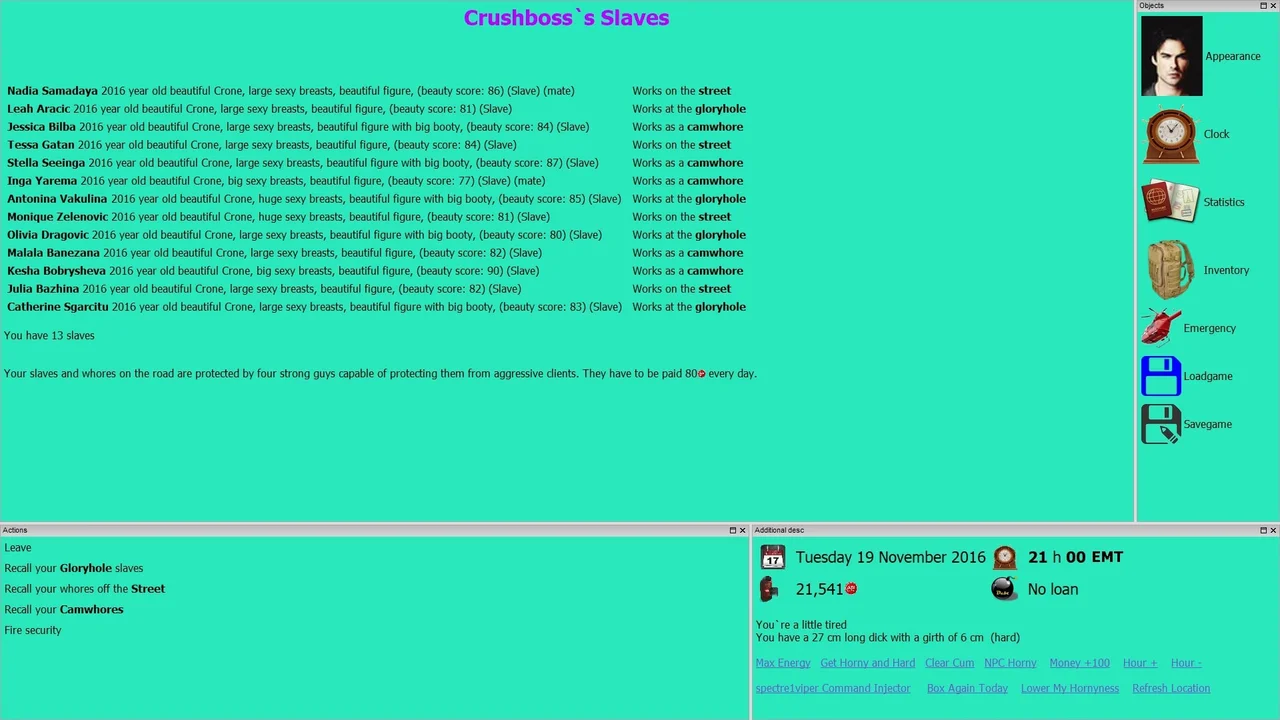
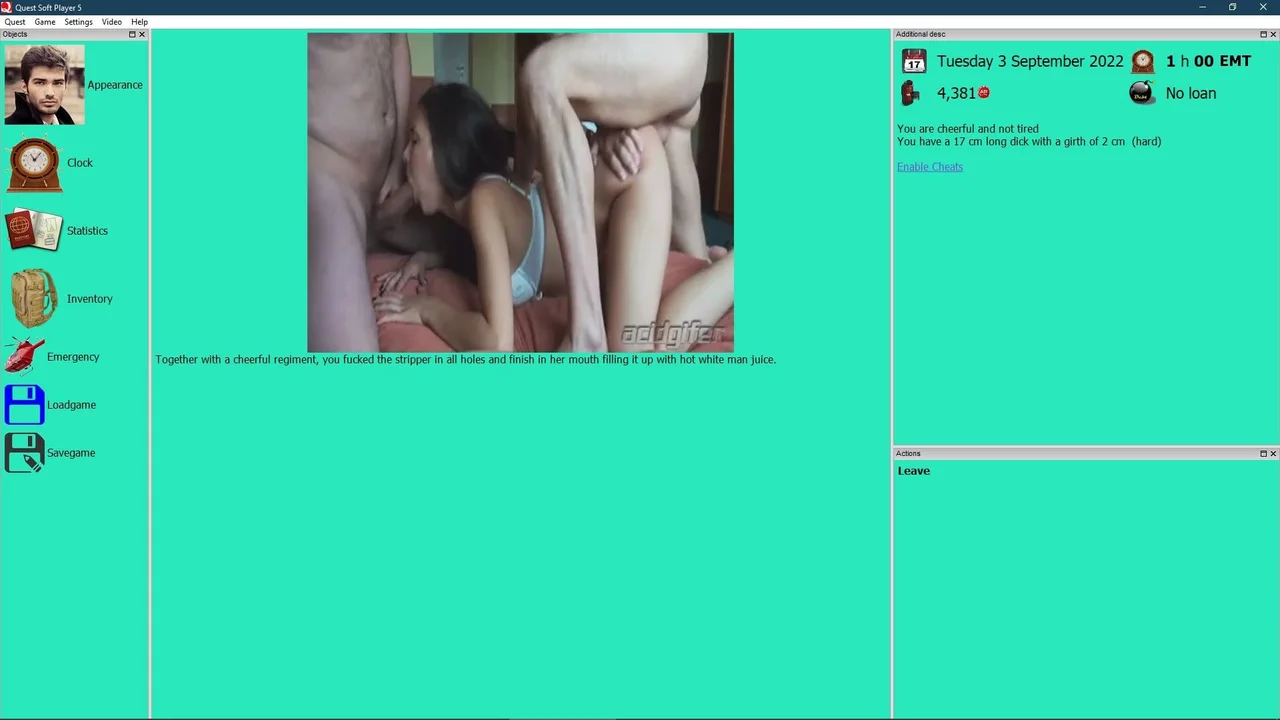
Evil 2 throws you into a gritty, open-world RPG experience where morality takes a backseat to power and pleasure. As one of four developers' visions converge, you'll navigate a sandbox filled with corruption, debauchery, and endless choices that blur the lines between action, dating sim, and management. Are you ready to embrace your evil side?
Gameplay & Mechanics
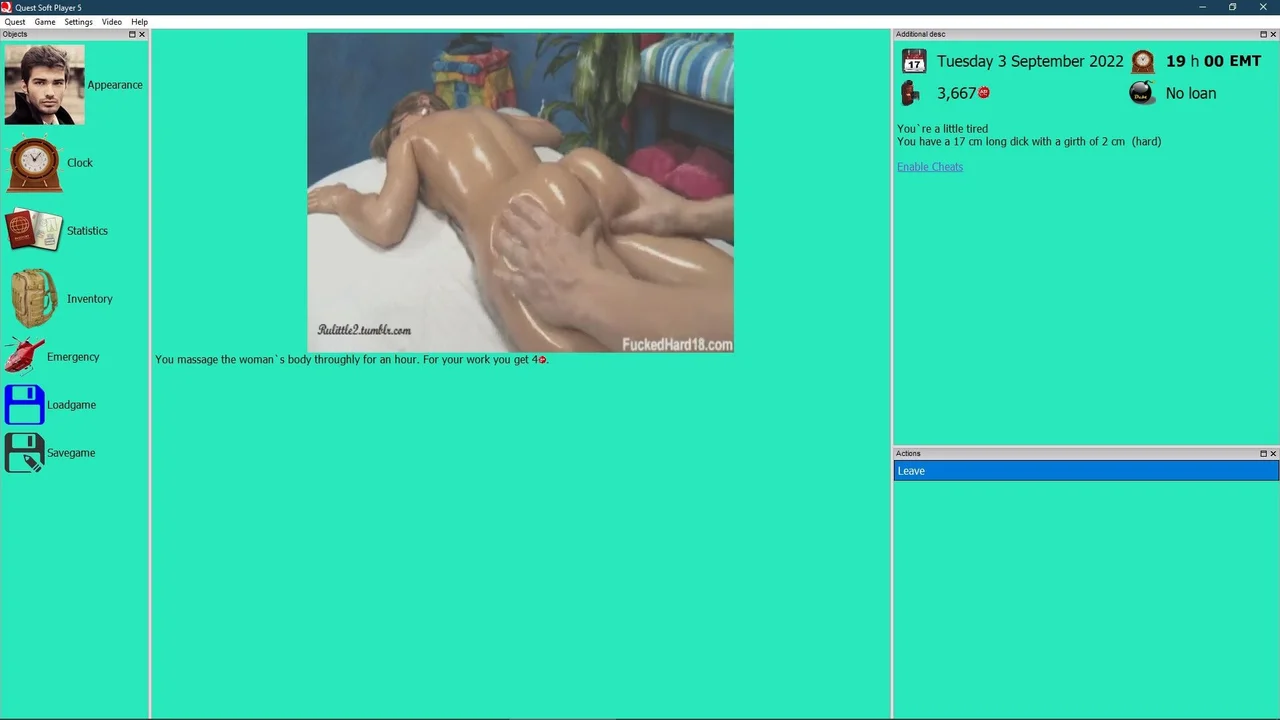
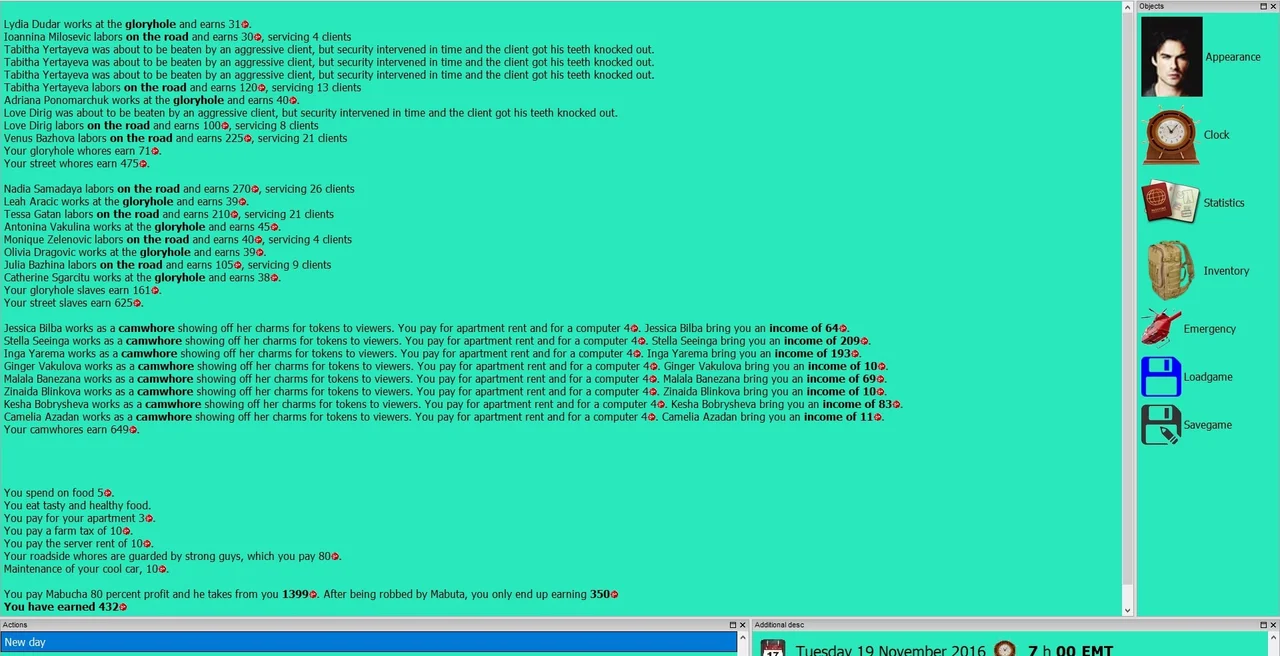
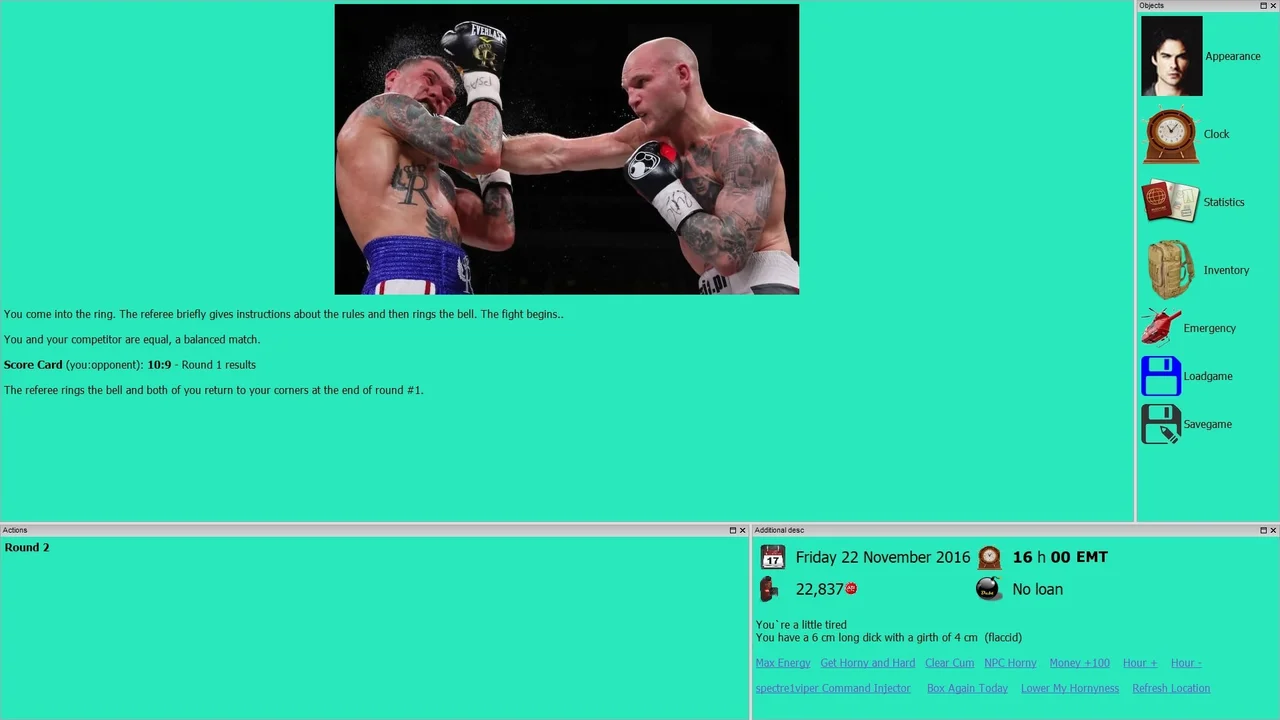
In Evil 2, you're not just a bystander; you're the driving force behind a criminal empire. Your days will be filled with managing your crew, engaging in heated combat, and making tough decisions that shape your character's fate. The first half is an immersive sandbox experience, while the second introduces visual novel-style events to keep things fresh.
Key Features
- Moral Ambiguity: Embrace your evil side as you navigate a world filled with complex choices and consequences.
- Open-World Sandbox: Explore, fight, and corrupt at will in an expansive, interactive environment.
- Dynamic Relationships: Build relationships with characters through dating sim elements, each with their own story arcs and preferences.
Installation
1. Extract ' Evil 2 - 0_55Beta Full.7z ' by right-clicking on the file 7-zip , ' Extract Here ' 2. Copy ' Evil 2 - 0_59.7z ' to your ' EVIL 2 ' folder (not the 'Evil' folder). Right-click on the file 7-zip - ' Extract Here ' - ' Overwrite All ' - Select OK to merge and overwrite the existing files. Don't create a new folder when extracting. If you aren't prompted to replace existing files then you didn't install the update correctly. 3. Copy ' Evil 2 - 0_69.7z ' to your ' EVIL 2 ' folder (not the 'Evil' folder). Right-click on the file 7-zip - ' Extract Here ' - ' Overwrite All ' - Select OK to merge and overwrite the existing files. Don't create a new folder when extracting. If you aren't prompted to replace existing files then you didn't install the update correctly. 4. Copy ' Evil 2 - 0.76.7z ' to your ' EVIL 2 ' folder (not the 'Evil' folder). Right-click on the file 7-zip - ' Extract Here ' - ' Overwrite All ' - Select OK to merge and overwrite the existing files. Don't create a new folder when extracting. If you aren't prompted to replace existing files then you didn't install the update correctly. To start the game, open up ' qspgui.exe ' in the Evil 2 game folder - Quest Open Game - ' Evil2-spectre1viper.qsp ' (located in the 'Evil' folder).