



Max the Elf
Game Information
Developer
T-HoodieVersion
v6.01
Engine
Unity
Release Date
Mar 4, 2026
Last Update
Mar 5, 2026
Censorship
Uncensored
Overview
Gameplay & Mechanics
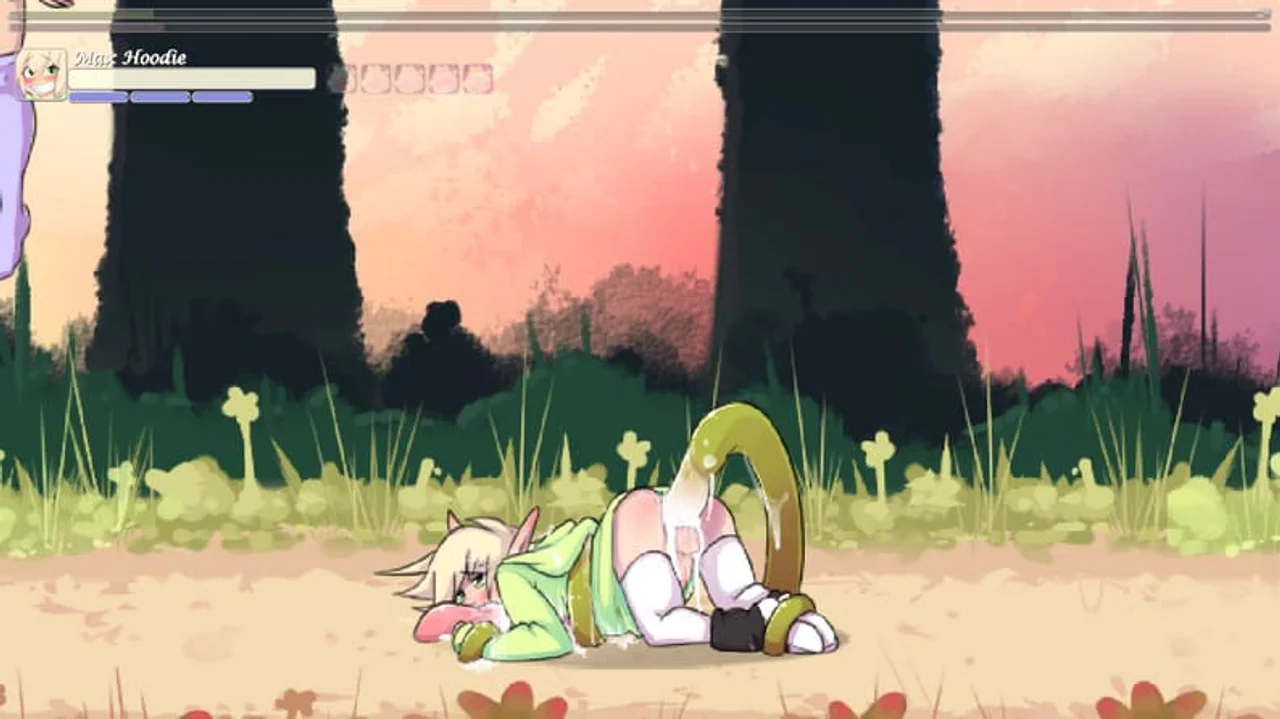
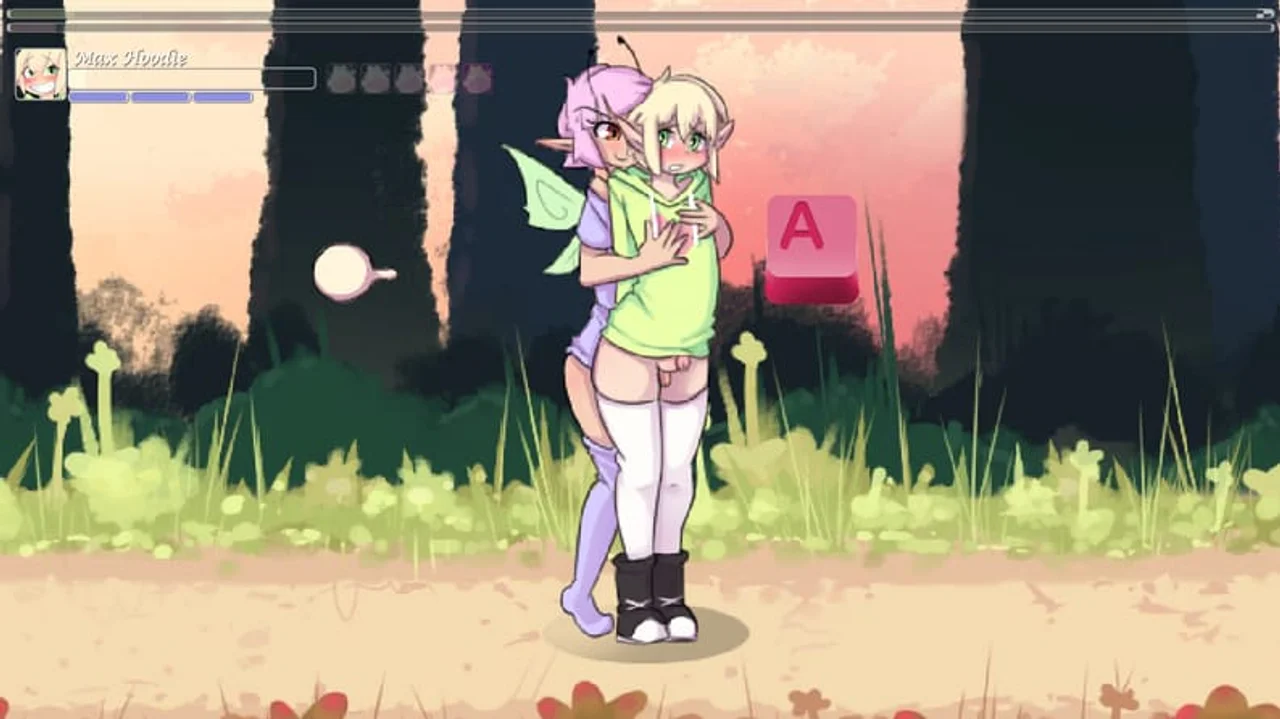
Explore a fantastical world as Max the Elf, navigating side-scrolling landscapes filled with danger and desire. Engage in animated, interactive encounters with diverse characters, from humanoid to monstrous, experiencing a wide range of fetishes and fantasies. Manage your energy levels, upgrade skills, and collect powerful items to aid you on your journey.
Key Features
- Animated Interactions: Experience fluid, engaging animations during intimate scenes.
- Diverse Encounters: Engage with various characters, each offering unique experiences tailored to their preferences.
- Upgradeable Skills: Level up Max's abilities to unlock new moves and enhance his capabilities in combat and seduction.
Download and play Max the Elf now on Gaxload.
Installation
For windows PC downloaders: Unpack the .RAR file, and run Max_The_Elf_DEMO. If it doesn't start up, try checking your firewall, or run as administrator, it might be getting blocked. Use 7zip, Winzip or Winrar to unpack .RAR files. FOR MAC OS downloaders: I packed it as a .RAR file! On Macs some unzippers can corrupt the files, We've tested unpacking with "StuffIt" and it worked. If you need a different one, try: This one should be official but we haven't tried it! If you still get an error (this application cannot be opened), try this: Q: How do I resize the game window? Sorry, but the game is forced to launch at 1280 x 720. If you want to make the game bigger: On windows: If you make a shortcut for "Max_The_Elf_DEMO", then go to properties of the shortcut, and add " -screen-width 1920 -screen-height 1080 -screen-fullscreen 1 " to the [target/destination (translated from dutch)] property, it will launch with those settings! Image preview: