



Overnight
Game Information
Developer
SominVersion
vdemo
Engine
Ren'Py
Release Date
Oct 14, 2025
Last Update
Dec 3, 2025
Censorship
Uncensored
Overview
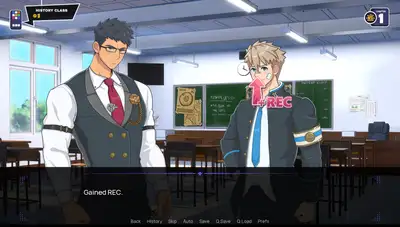
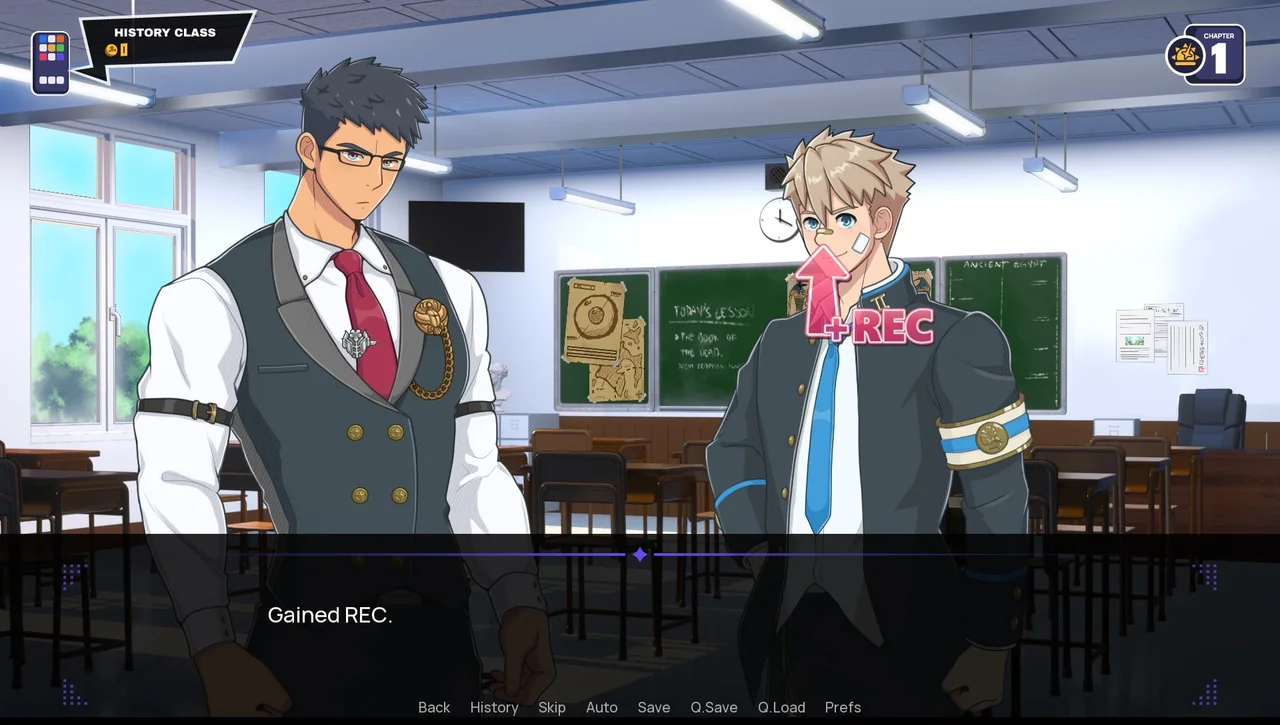
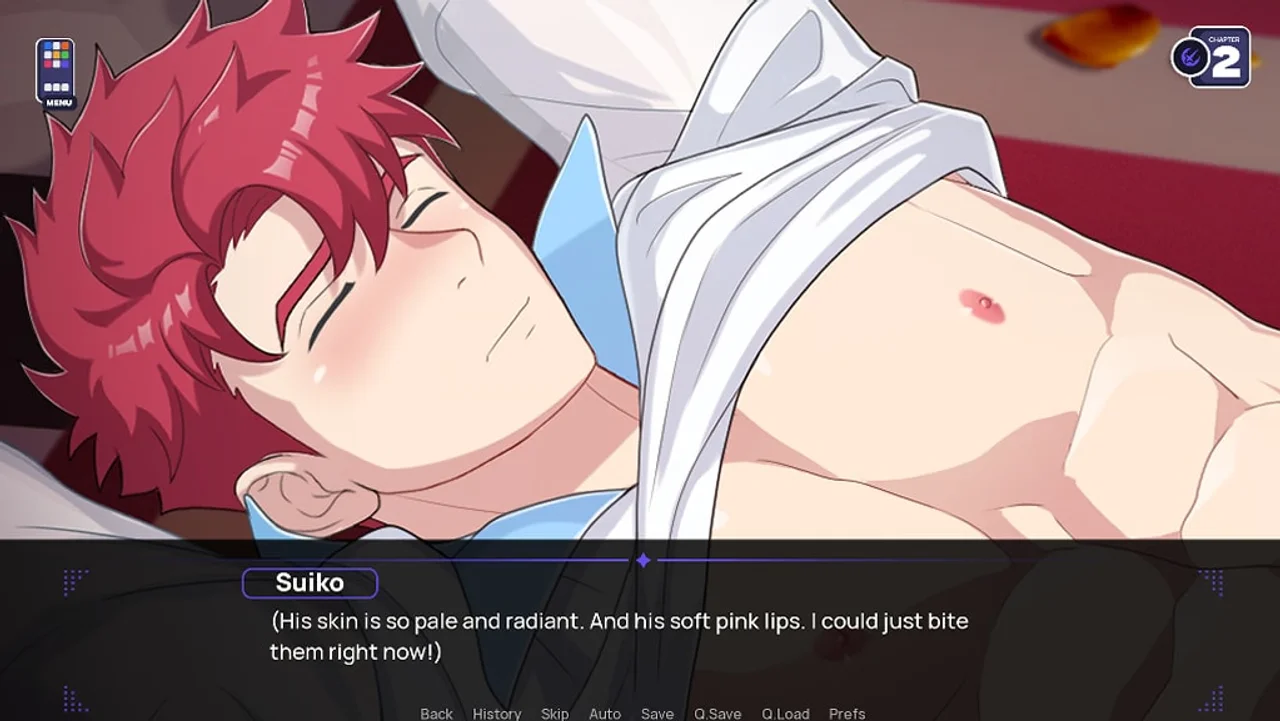
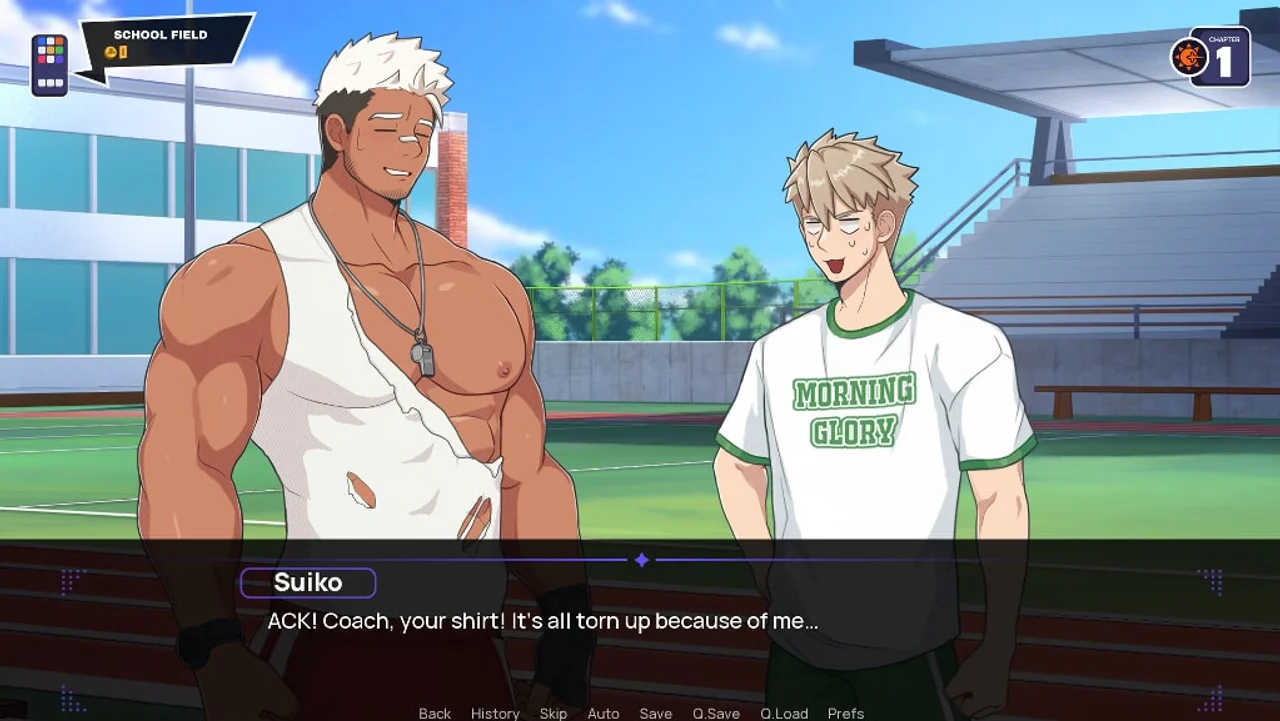
Overnight immerses you in a saucy school adventure as Suiko Nishikori, where seducing his teachers is just another day at Morning Glory Academy.
Gameplay & Mechanics
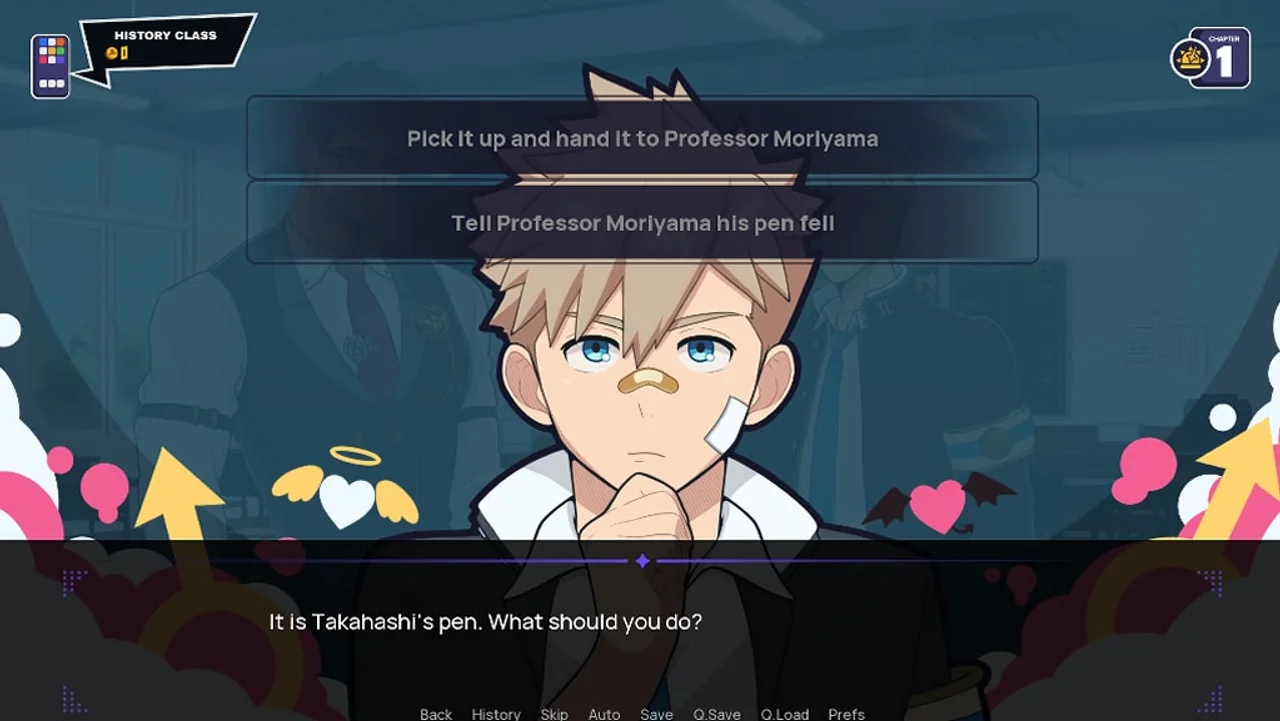
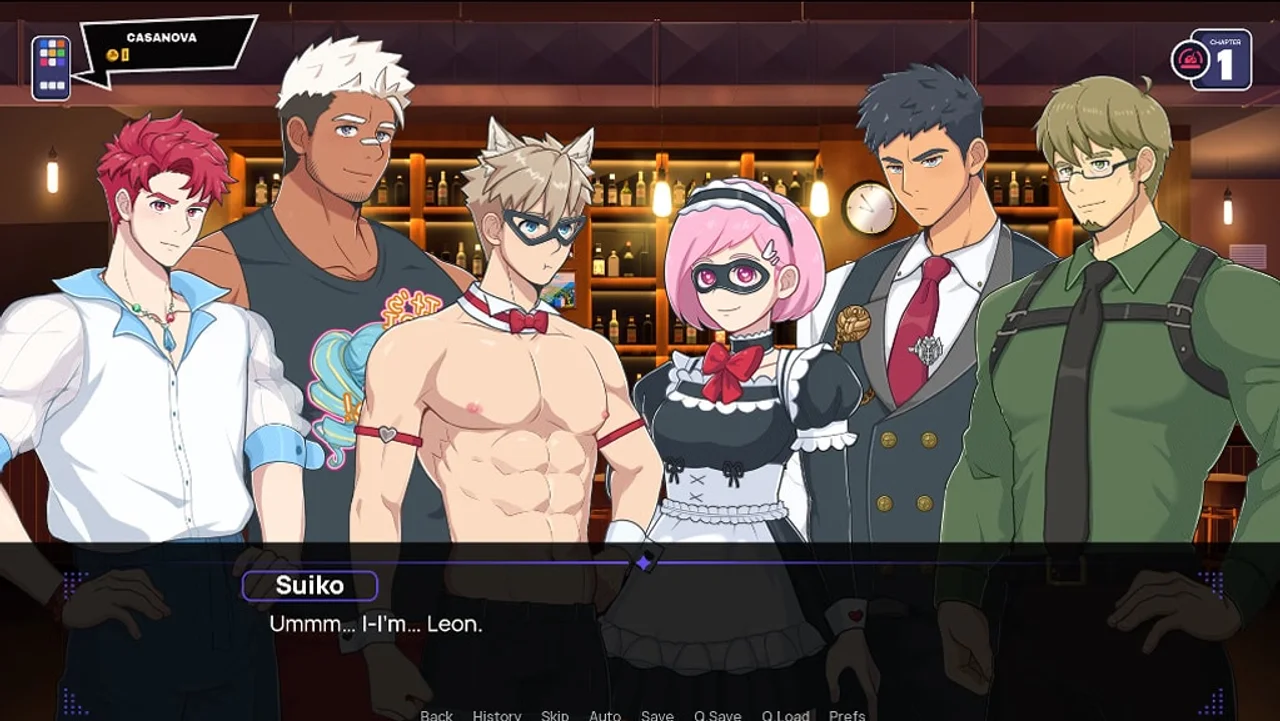
Experience a thrilling dating sim and visual novel blend, exploring animated interactions, cosplay costumes, and humorous encounters. Engage in steamy scenes featuring 2DCG art, voiced dialogue, and a variety of romantic options as you navigate the school's interpersonal dynamics.
Key Features
- Animated and voiced adult interactions with your teacher lovers
- A diverse cast of characters with unique personalities and preferences
- Multiple endings based on your choices throughout the game
Installation
For PC Download 1. Download the file. 2. Open the downloaded zip file and open the "OverNight-1.0-pc" folder. 3. Double click on "OverNight" Application and press "Extract all" 4. A message will pop up, and press "Extract" 5. The folder browser will pop out after extracting, and click on the folder "OverNight-1.0-pc" 6. Double click on "OverNight" Application, and the game will begin! For MAC Download Inside the application (right click/control + click) you can select Show Package Contents. Then navigate through the folders Contents -> MacOS. There's 5 files there that are saved as docs (out of 6). You need to convert them to executables. Launch your Terminal app, 'cd' to the correct directory where the application is saved (using 'ls' (that's a lowercase L) can show you all the folders you can cd into), 'cd' into the application's contents to the same MacOS folder, and then use the command 'chmod 755 OverNight' to convert, repeating for the other 4 files.