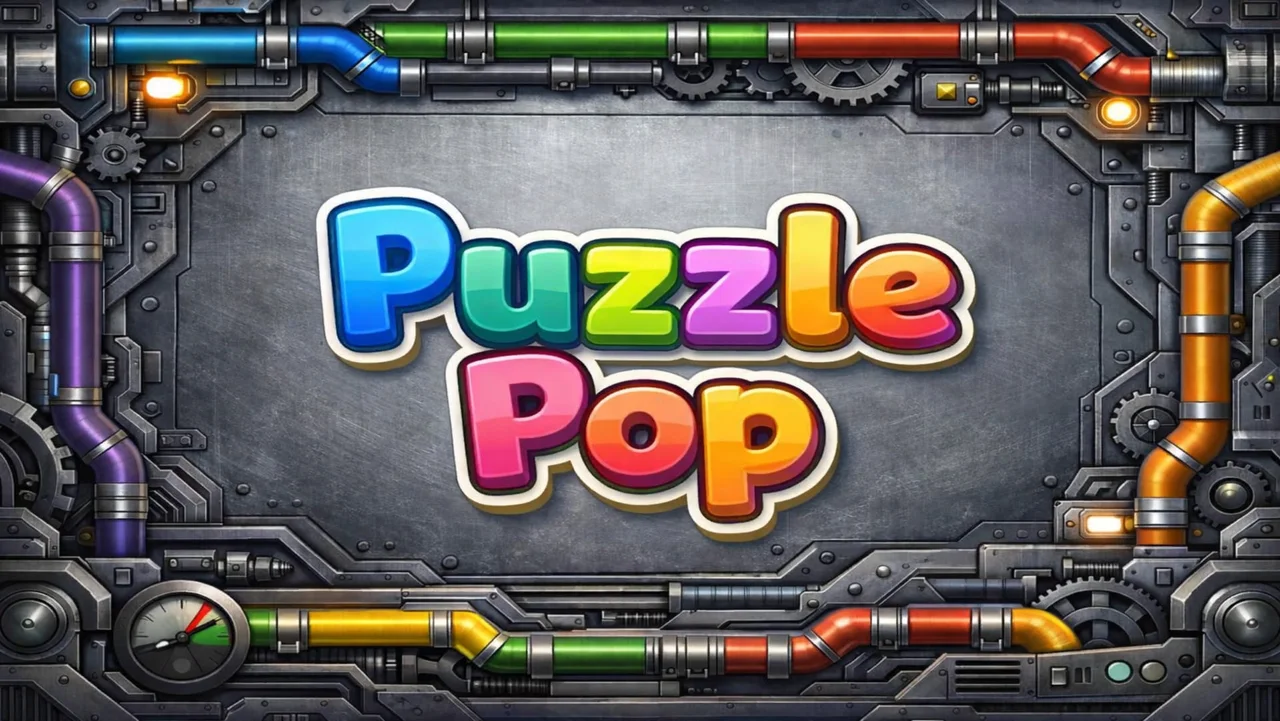
Click to zoom
1 / 6
Ongoing
v1.7
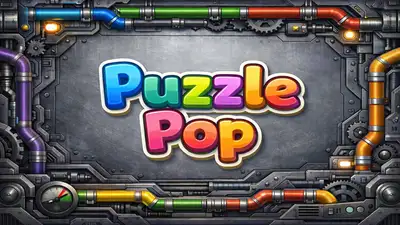
Puzzle Pop
Game Information
Developer
Arcpop StudioVersion
v1.7
Engine
Unity
Release Date
Apr 13, 2026
Last Update
Apr 14, 2026
Censorship
Uncensored
Overview
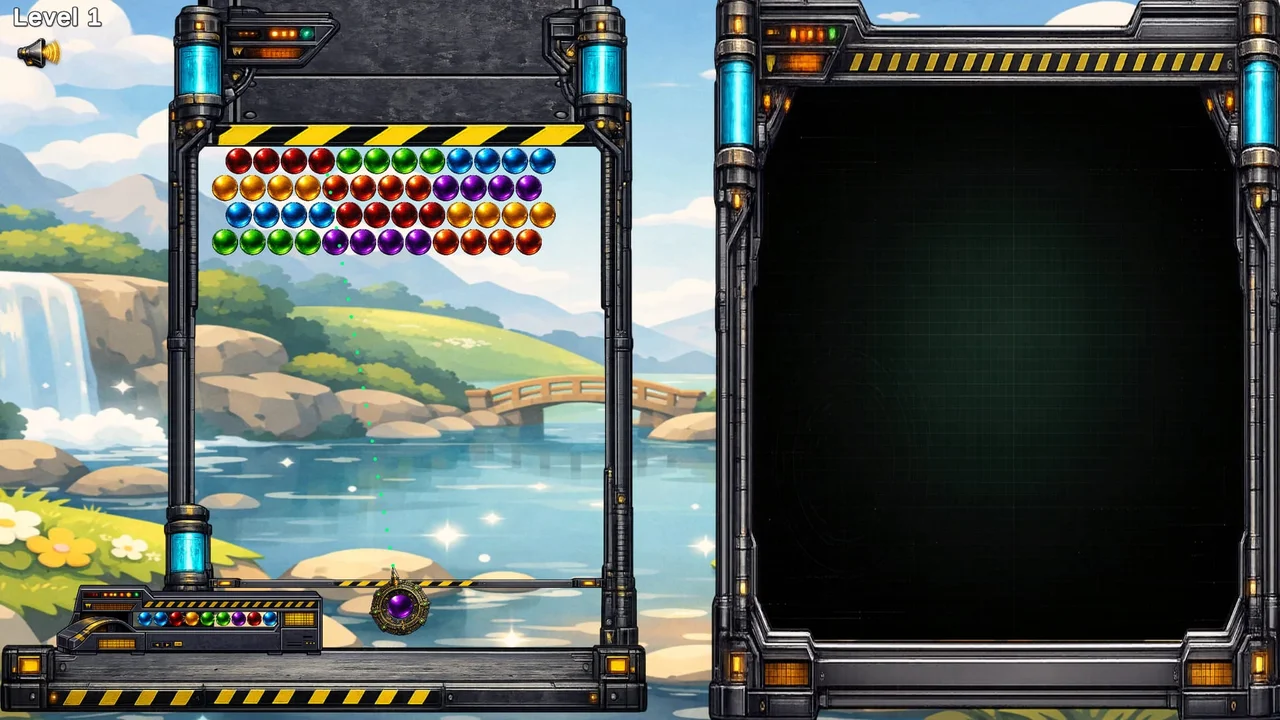
Puzzle Pop brings a fresh twist to classic bubble puzzles, combining modern presentation and rewarding gameplay for an engaging experience.
Gameplay & Mechanics
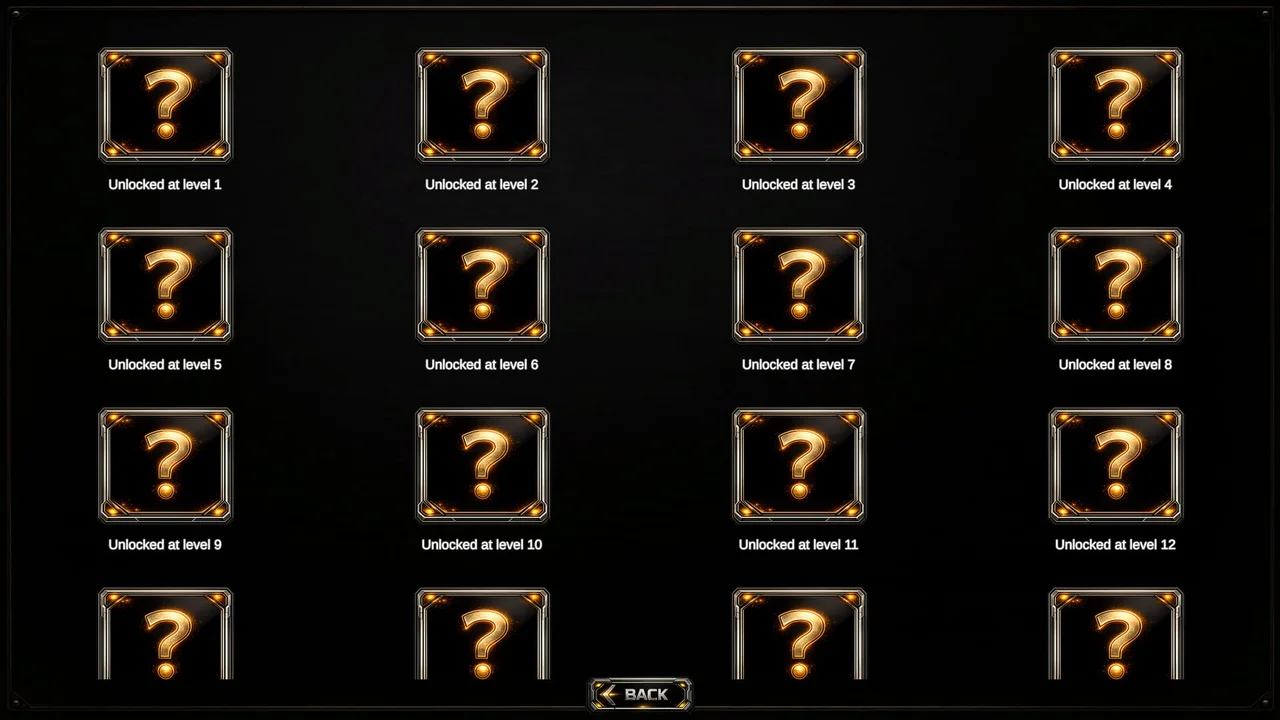
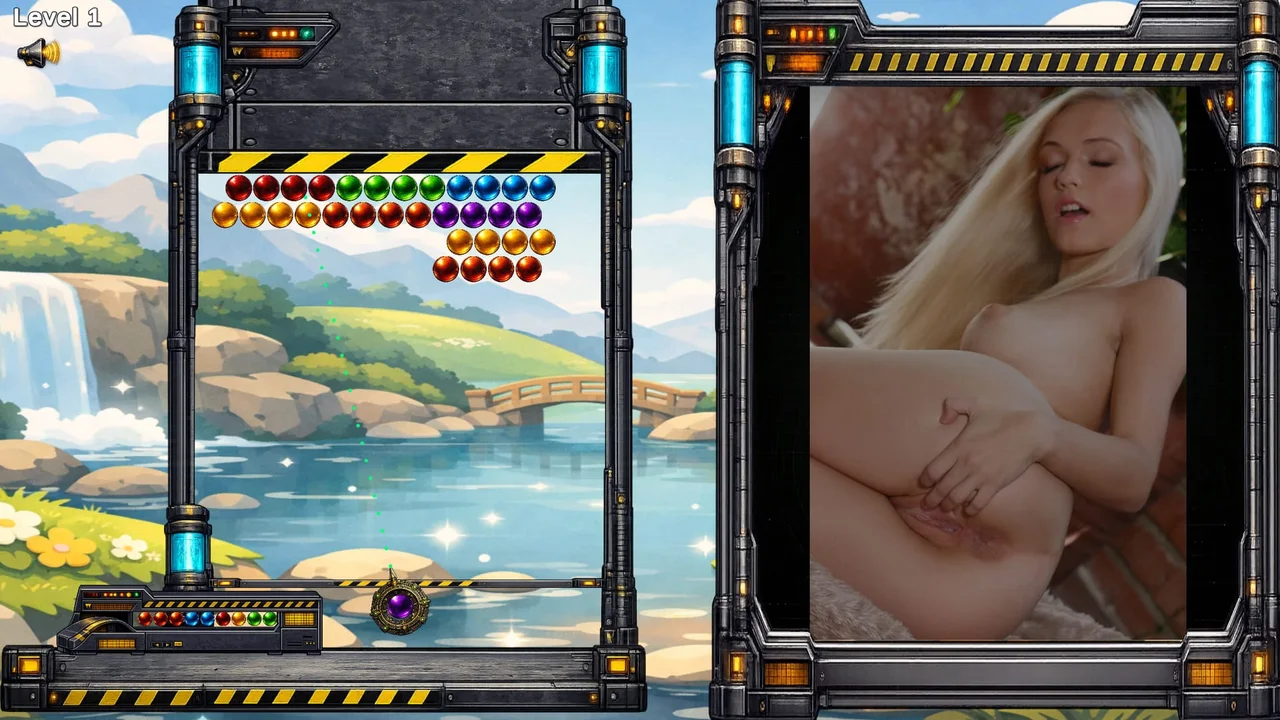
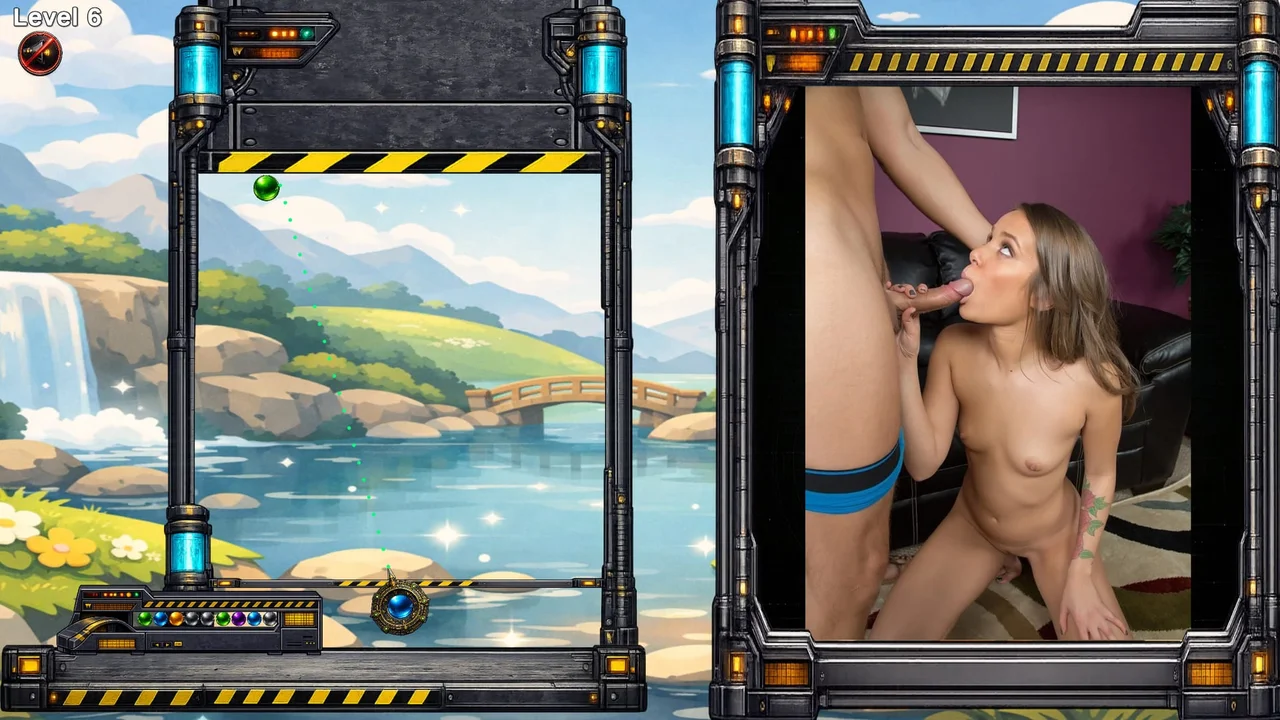
Pop bubbles in strategic patterns to clear levels, unlock gallery content, and enjoy stylish visual rewards. With handcrafted levels and collectible rewards, each stage feels special.
Key Features
- Challenging yet satisfying bubble-popping mechanics
- Over 100 handcrafted levels with increasing difficulty
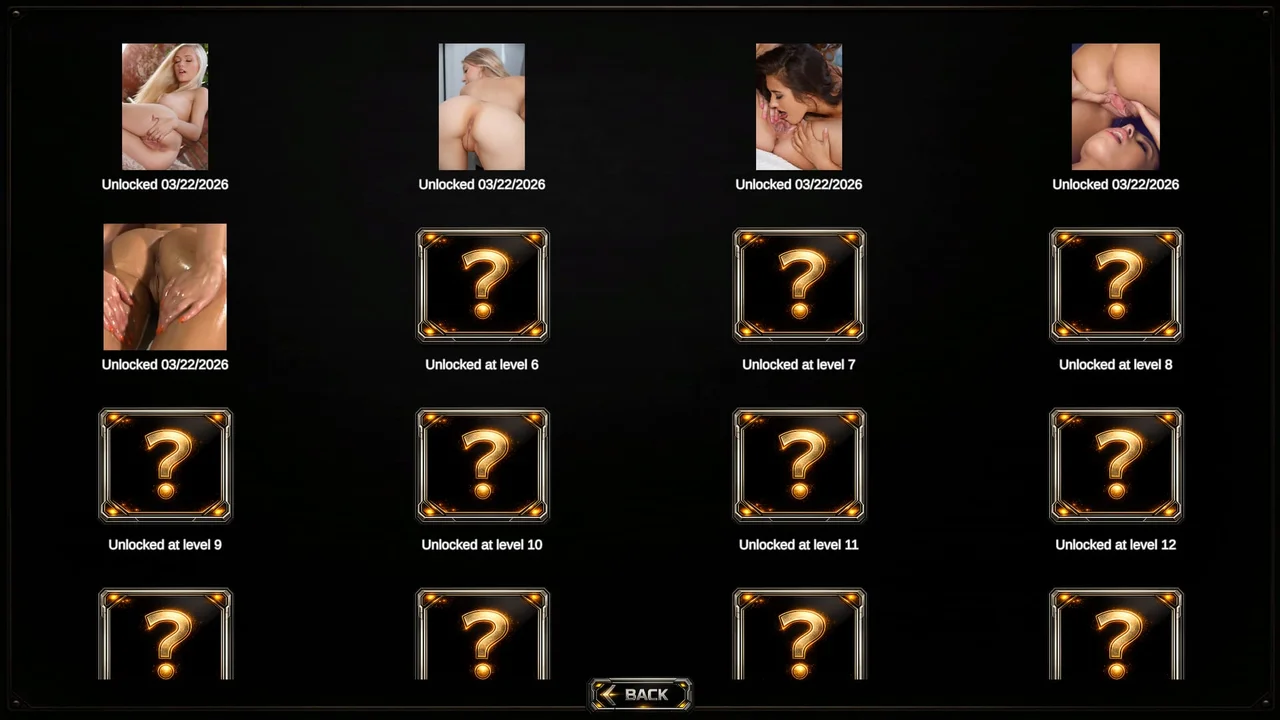
- Collectible gallery content featuring stunning 2DCG artwork
- Light, stylish puzzle challenge with polished visual feedback
Download and play Puzzle Pop now on Gaxload.
Installation
1. Unzip and start Puzzle_Pop.exe
Changelog
### 1.7
- v1.7
- Major Content Update
- Added 25 new playable levels
- Added special shot systems:
- Star Bubble
- Meteor Bubble
- Bomb Bubble
- Random Bubble
- Added a new Credits button to the Main Menu
- Added final endgame credits after clearing the last level
- Improved the overall completion flow and endgame presentation
- Added Level 1 control hints before gameplay begins
- Added keyboard hints for A / D movement and Space to shoot
- Added mouse control hints when Mouse Aim is enabled
- Added animated hint visuals with fade and motion feedback
- Added 10 new ambient soundtrack tracks for a total of 15 songs
- Improved soundtrack handling, playlist order, and looping behavior
- Added Now Playing display in Main Menu and In-Game
- Added a music skip button
- Improved soundtrack title synchronization
- Added custom display names for each soundtrack
- Added wall timer sound feedback for press wall movement
- Changed the aim guide visuals from dots to small heart icons
- Added new bubble impact effects for improved hit feedback
- Added mouse aiming support in Settings
- Improved aiming sensitivity behavior and overall control feel
- Added a Main Menu button to the Pause screen
- Improved bubble color visibility, especially red and orange
- Rebalanced Level 13
- Updated multiple HUD, menu, and visual presentation elements
- Added more UI sound feedback to buttons and gallery interactions
- Expanded and improved the Gallery system
- Improved Gallery Viewer behavior for both images and videos
- Added a video time indicator in the gallery viewer
- Added auto-fading gallery hints after mouse inactivity
- Added hint reappearance when moving the mouse again
- Improved layering, visibility, and feedback across gallery UI
- Improved monitor reveal progression and reward presentation
- Improved save and unlock flow stability
- Reworked gallery videos for better quality and reduced size
- Improved video playback stability and compatibility
- Fixed multiple gameplay, UI, music, popup, and gallery issues
- Added additional minor fixes, adjustments, and polish
### 1.0
- v1.0
- First Release
- v1.7
- Major Content Update
- Added 25 new playable levels
- Added special shot systems:
- Star Bubble
- Meteor Bubble
- Bomb Bubble
- Random Bubble
- Added a new Credits button to the Main Menu
- Added final endgame credits after clearing the last level
- Improved the overall completion flow and endgame presentation
- Added Level 1 control hints before gameplay begins
- Added keyboard hints for A / D movement and Space to shoot
- Added mouse control hints when Mouse Aim is enabled
- Added animated hint visuals with fade and motion feedback
- Added 10 new ambient soundtrack tracks for a total of 15 songs
- Improved soundtrack handling, playlist order, and looping behavior
- Added Now Playing display in Main Menu and In-Game
- Added a music skip button
- Improved soundtrack title synchronization
- Added custom display names for each soundtrack
- Added wall timer sound feedback for press wall movement
- Changed the aim guide visuals from dots to small heart icons
- Added new bubble impact effects for improved hit feedback
- Added mouse aiming support in Settings
- Improved aiming sensitivity behavior and overall control feel
- Added a Main Menu button to the Pause screen
- Improved bubble color visibility, especially red and orange
- Rebalanced Level 13
- Updated multiple HUD, menu, and visual presentation elements
- Added more UI sound feedback to buttons and gallery interactions
- Expanded and improved the Gallery system
- Improved Gallery Viewer behavior for both images and videos
- Added a video time indicator in the gallery viewer
- Added auto-fading gallery hints after mouse inactivity
- Added hint reappearance when moving the mouse again
- Improved layering, visibility, and feedback across gallery UI
- Improved monitor reveal progression and reward presentation
- Improved save and unlock flow stability
- Reworked gallery videos for better quality and reduced size
- Improved video playback stability and compatibility
- Fixed multiple gameplay, UI, music, popup, and gallery issues
- Added additional minor fixes, adjustments, and polish
### 1.0
- v1.0
- First Release