

Click to zoom
1 / 4
Ongoing
v2.0
SlideStroker
Game Information
Developer
RumilVersion
v2.0
Engine
Others
Release Date
May 18, 2025
Last Update
May 19, 2025
Censorship
Uncensored
Overview
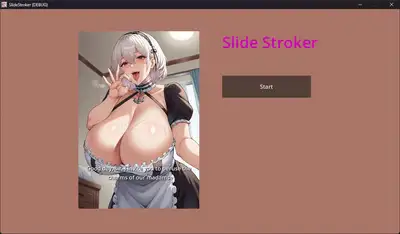
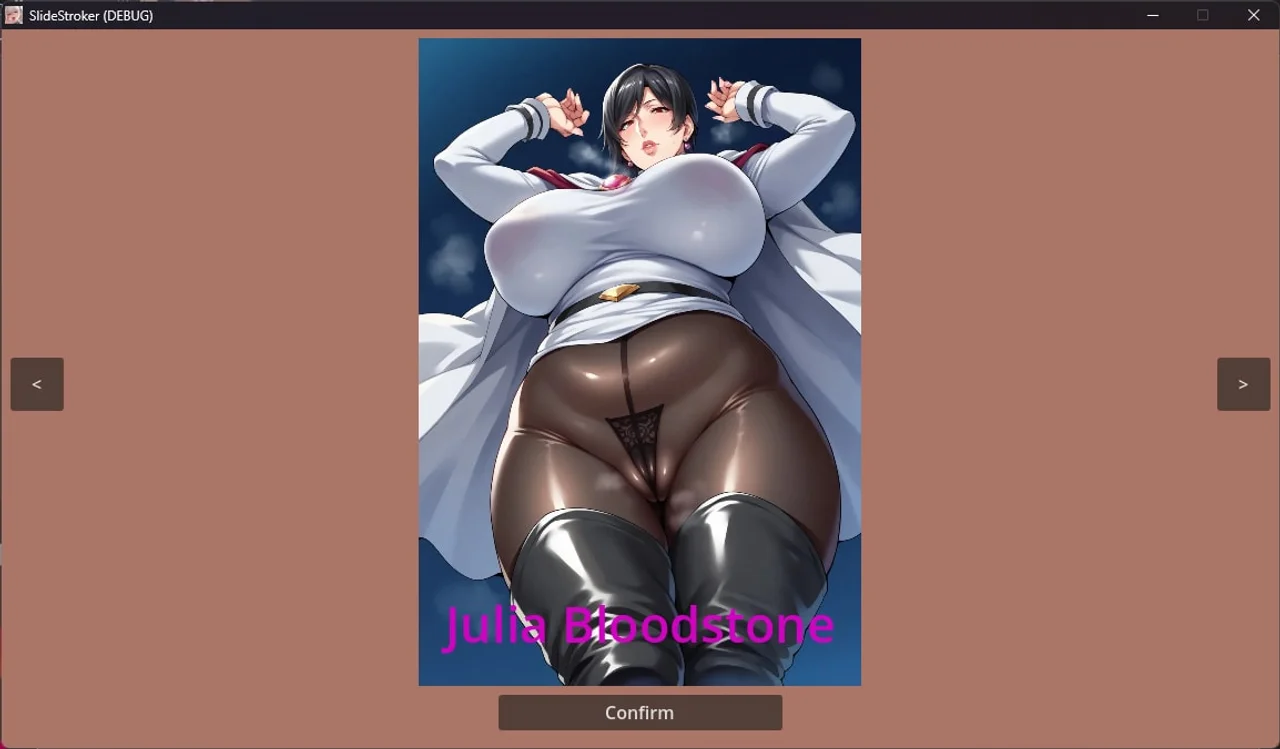
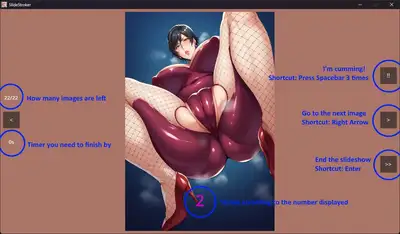
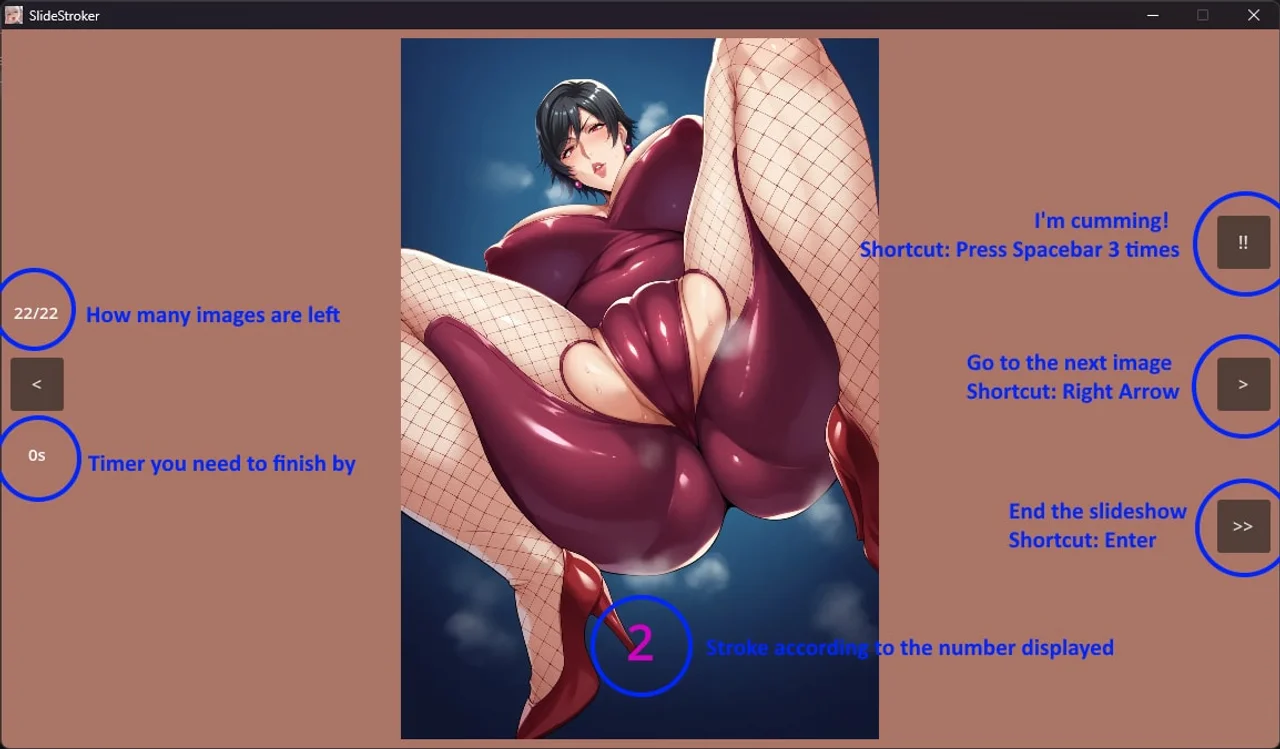
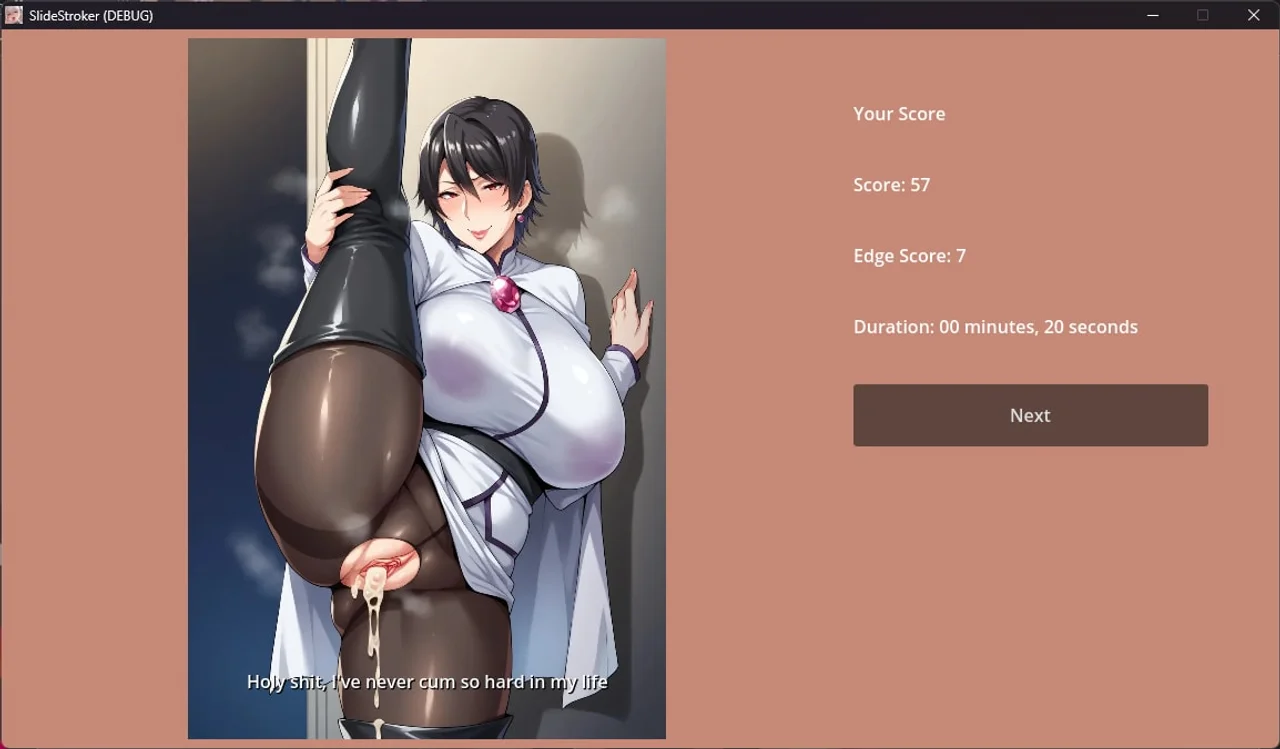
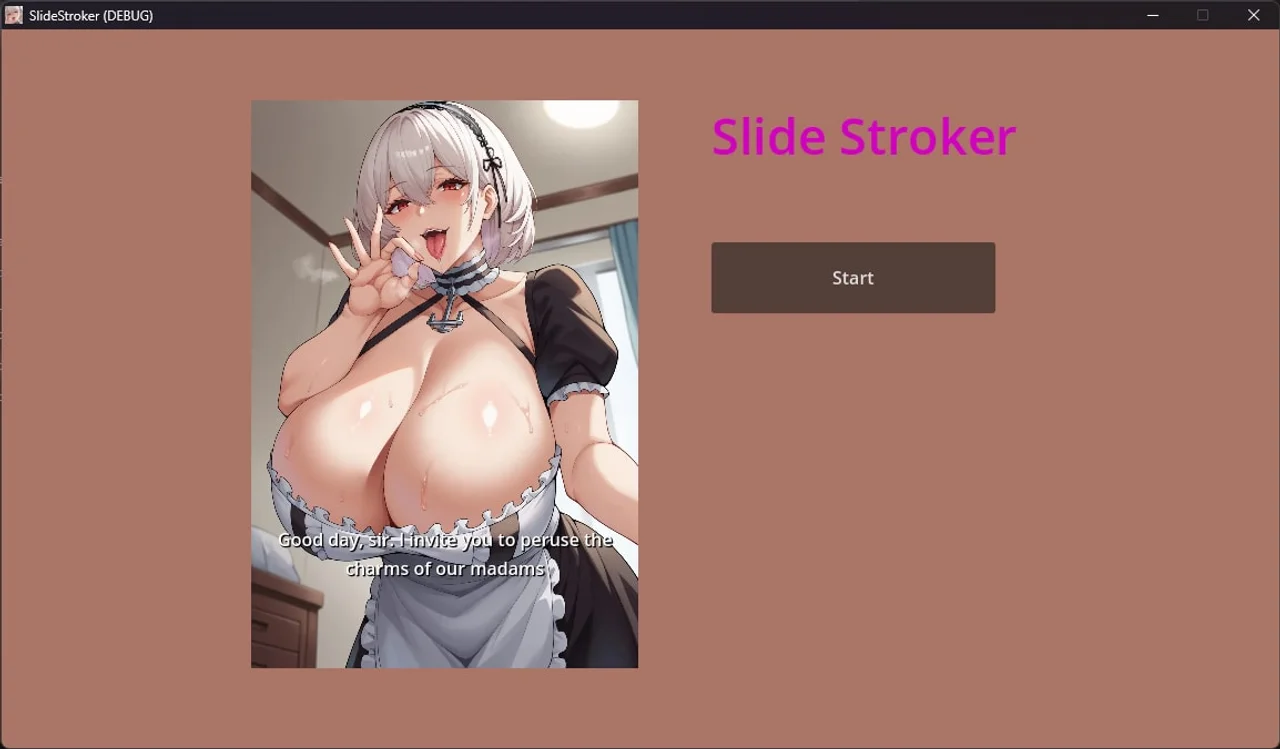
SlideStroker takes you on a tantalizing adventure through AI-generated images that'll make your heart race and your palm sweat.
Installation
1. Extract the zip file to your desired location. 2. Click on "SlideStroker.exe" to start playing.
Changelog
### 1.0
- v1.0
- - First release
### 2.0
- v2.0
- Interface
- Resizable screen resolution. Default is 1280x720 and adjustable at config.json
- Can change background color
- Scene navigation: Improve RIGHT ARROW keypress. Now can seamlessly navigate to another scene
- Main slider "end" image is taken from gameover tag and play audio
- PDF tutorial
- Put tutorial "tutorial_how_to_play.pdf" which is about how to change the game settings
- Put tutorial "tutorial_config.pdf" which is about how to edit the config.json file
- Put tutorial "tutorial_custom_images.pdf" which is about adding own images, share it and use others
- Image libraries
- Folder "libraries" folder structure is now different. To support multiple user
- libraries.json add option "isEnable=true/false" so user can easily enable/disable any library. p/s: "isEnable" is optional
- Improve default library: Each tags has more images. Images score is now random with range
- v1.0
- - First release
### 2.0
- v2.0
- Interface
- Resizable screen resolution. Default is 1280x720 and adjustable at config.json
- Can change background color
- Scene navigation: Improve RIGHT ARROW keypress. Now can seamlessly navigate to another scene
- Main slider "end" image is taken from gameover tag and play audio
- PDF tutorial
- Put tutorial "tutorial_how_to_play.pdf" which is about how to change the game settings
- Put tutorial "tutorial_config.pdf" which is about how to edit the config.json file
- Put tutorial "tutorial_custom_images.pdf" which is about adding own images, share it and use others
- Image libraries
- Folder "libraries" folder structure is now different. To support multiple user
- libraries.json add option "isEnable=true/false" so user can easily enable/disable any library. p/s: "isEnable" is optional
- Improve default library: Each tags has more images. Images score is now random with range