







Toriel's Embrace
Game Information
Developer
PatreonVersion
v0.1
Engine
Ren'Py
Release Date
May 15, 2026
Last Update
May 25, 2026
Censorship
Uncensored
Overview
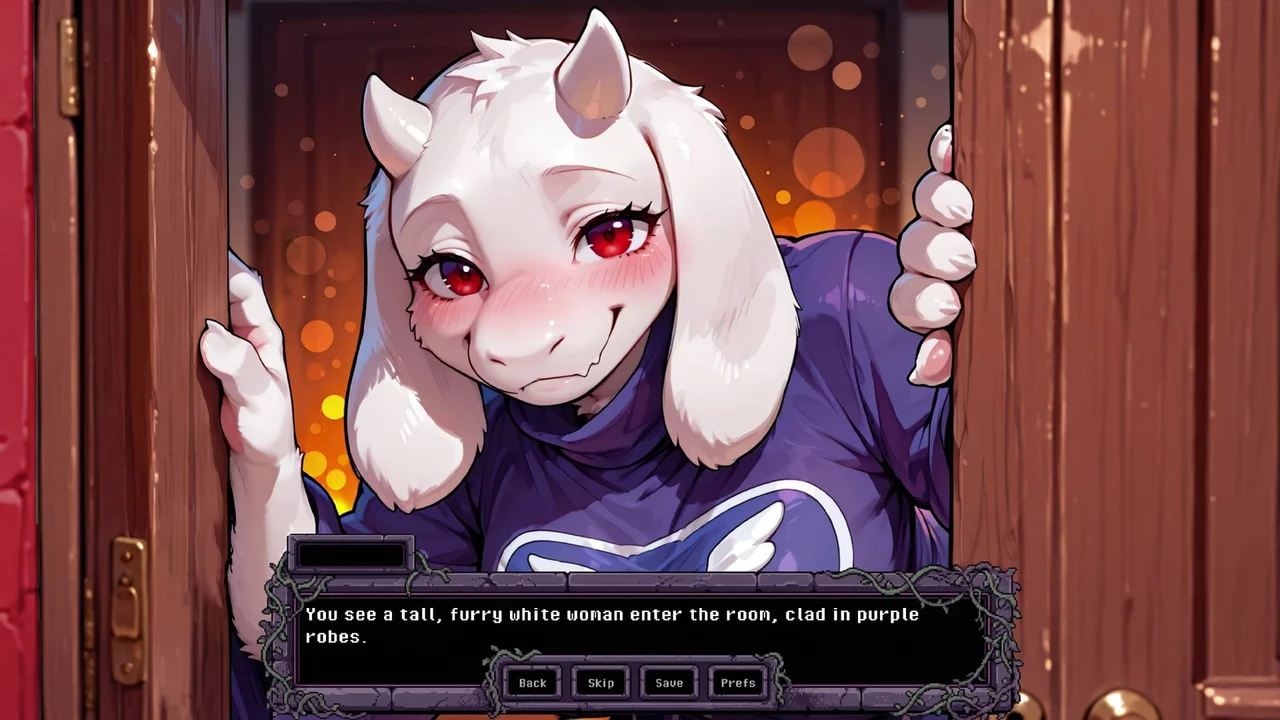
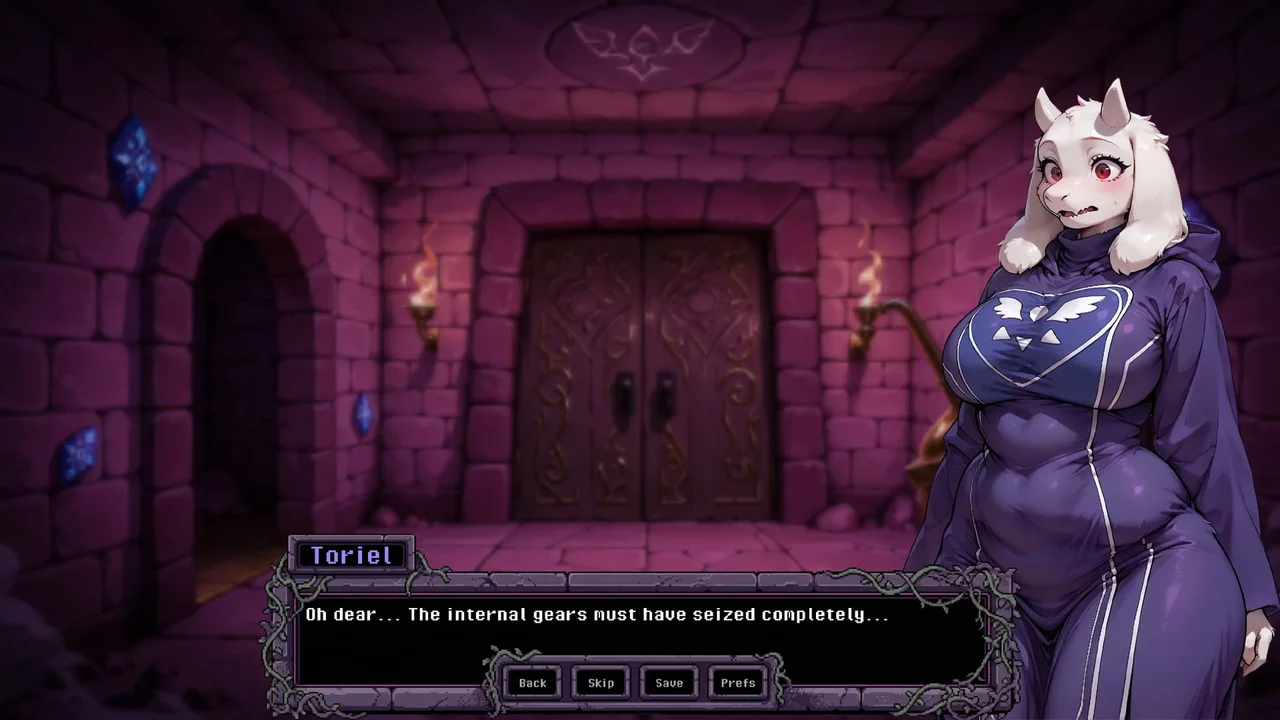
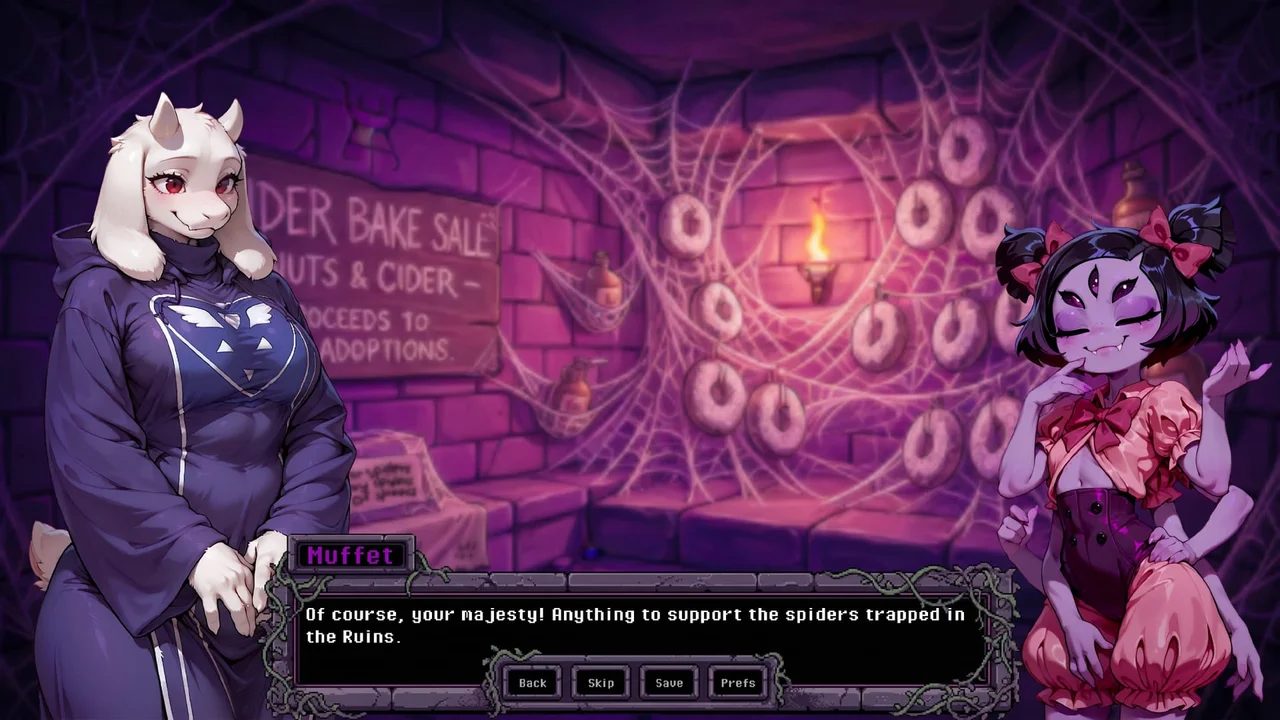
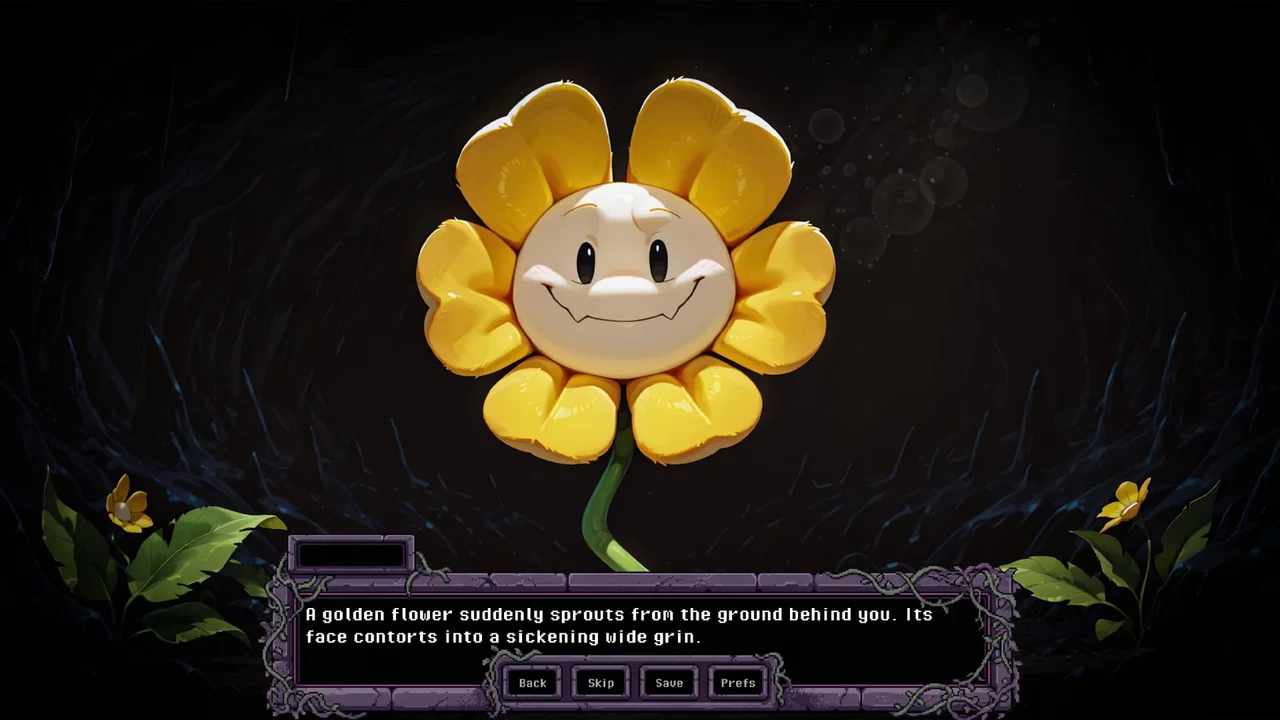
Toriel's Embrace immerses you in a darkly humorous, furry world filled with monster girls, puzzles, and taboo encounters.
Gameplay & Mechanics
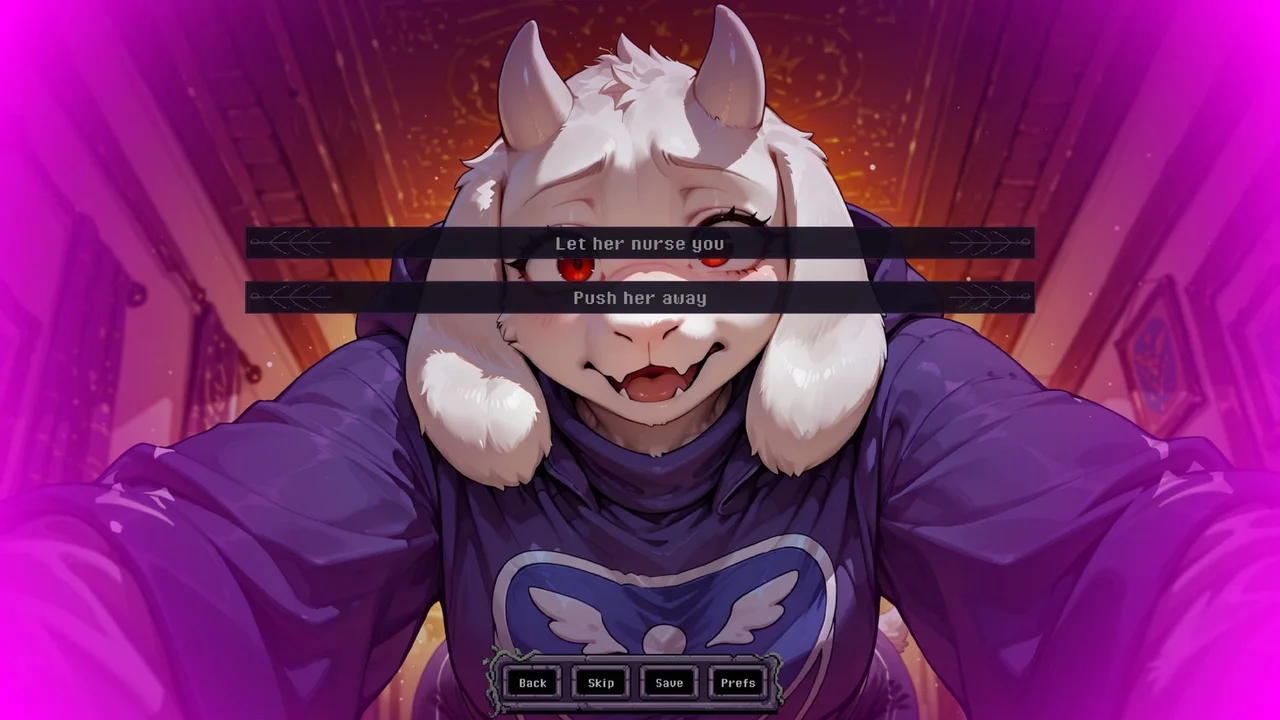
Explore procedurally generated ruins as a helpless male protagonist rescued by Toriel. Navigate through animated 2DCG scenes, make choices that shape your story, and engage in dating sim elements with various monster girls. Solve puzzles to progress, and experience a variety of sexual encounters, from titfucks to rape scenarios.
Key Features
- Procedurally generated ruins for endless exploration
- Animated 2DCG scenes bringing the world to life
- Dating sim mechanics with multiple monster girl options
- Puzzles to solve and advance through the game
- A variety of sexual encounters and taboo situations
Download and play Toriel's Embrace now on Gaxload.
Installation
Windows Installation Extract the Game Unzip the TorielsEmbrace-0.1-pc.zip archive into a folder of your choice. Launch Open the extracted folder and run TorielsEmbrace.exe to start the game. (Optional) Desktop Shortcut Right-click TorielsEmbrace.exe → Send to → Desktop (create shortcut) for easier access. Linux Installation Extract the Game Unzip TorielsEmbrace-0.1-pc.zip to your desired directory. Set Permissions Ensure the game executable has permission to run. You can do this via terminal: chmod +x TorielsEmbrace.sh (Or right-click TorielsEmbrace.sh → Properties → Permissions → Check "Allow executing file as program".) Launch Run TorielsEmbrace.sh to start the game. macOS Installation Extract the Game Double-click TorielsEmbrace-0.1-mac.zip to extract the app bundle. Move to Applications Drag TorielsEmbrace.app into your Applications folder. Launch Double-click the app to run ⚠ Note for macOS users: If you get an "Unidentified Developer" or damage warning block upon launching, right-click (or Control-click) the app, select Open, and click Open again in the confirmation dialog to bypass Gatekeeper. Android Installation Download the APK Download the toriels-embrace-0.1.apk file to your device. Enable Unknown Sources Open your File Manager or Browser, tap the APK, and if prompted, allow the app permission to " Install unknown apps ". Install & Launch Confirm the installation, then open the game. ⚠ Note for Samsung users: If your phone blocks the installation with a security warning, Samsung's Auto Blocker is stopping it. You can temporarily turn it off to install the game: Open your phone's Settings → Security and Privacy. Scroll down, tap on Auto Blocker, and toggle it Off (you'll need to enter your lock screen PIN/password). Go back and install the APK. (You can safely turn Auto Blocker back on immediately after the game is installed).
Changelog
- v0.1 Release